

You can transcribe audio offline for free by installing a local Whisper app or command-line package, downloading a speech model once, and processing files on your own computer. This guide covers straightforward graphical routes for Windows, macOS, and Linux, plus exact commands for OpenAI Whisper and whisper.cpp.
Quick answer
Install a local Whisper engine, download the base model while connected, transcribe one test file, then disconnect the network and process a second file. If the second transcript completes, your core transcription path is offline. Keep cloud APIs and online integrations turned off.
What offline Whisper transcription actually means
An offline workflow processes audio on your computer instead of sending it to a hosted transcription server. Setup usually needs a connection because the app, dependencies, and speech model must be downloaded. After those files are stored locally, new recordings can be transcribed without a connection.
Free, open source, and free tier are different labels. OpenAI Whisper, whisper.cpp, Buzz, and Subtitle Edit use MIT licenses. MacWhisper is a commercial app with a free tier and paid features. A local engine can be free even when a particular interface charges for batch work, speaker recognition, or extra exports. Prefer a ready-to-use app? See free transcription software for Windows and Mac, with setup and export restrictions made explicit.
Local processing reduces the need to disclose audio to a transcription provider, but it does not secure the rest of your computer. Device access, backups, exported files, and optional integrations still matter. Use a short, non-sensitive recording for installation tests.
Choose the right setup for your computer
| Platform | Route | Interface | Cost model | Best fit |
|---|---|---|---|---|
| Windows | Buzz 1.4.5 | GUI | Free, open source | General audio-to-text |
| Windows | Subtitle Edit 5.1.0 | GUI | Free, open source | Timed video subtitles |
| macOS | MacWhisper Free | GUI | Free tier | Native Mac workflow |
| Linux | Buzz 1.4.5 | GUI | Free, open source | Quick desktop setup |
| Windows, Mac, Linux | OpenAI Whisper | CLI | Free, open source | Python and common media files |
| Windows, Mac, Linux | whisper.cpp 1.9.2 | CLI | Free, open source | Native executable and scripting |
This table is a setup map, not a product ranking. If you are still deciding, compare offline transcription apps by platform or see which transcription apps really work offline.
Start with a model your computer can handle
Whisper models trade storage and memory use for capability. The figures below come from the official OpenAI Whisper model table and whisper.cpp model documentation. App downloads can differ because model formats and quantization differ.
| Model | Approximate OpenAI VRAM | Approximate whisper.cpp download | Use |
|---|---|---|---|
| tiny | 1 GB | 75 MiB | Fast setup check |
| base | 1 GB | 142 MiB | Best first model |
| small | 2 GB | 466 MiB | Next step when base is not enough |
| medium | 5 GB | 1.5 GiB | Higher resource demand |
| large | 10 GB | 2.9 GiB | Powerful hardware |
| turbo | 6 GB | About 1.5 GiB for large-v3-turbo | Faster large-model family where supported |
Start with base.en for English-only audio or base for multilingual audio. A model that loads can still run slowly on an older computer, so verify the complete workflow before downloading a larger one.
How to transcribe audio offline on Windows
Recommended Windows route: Buzz
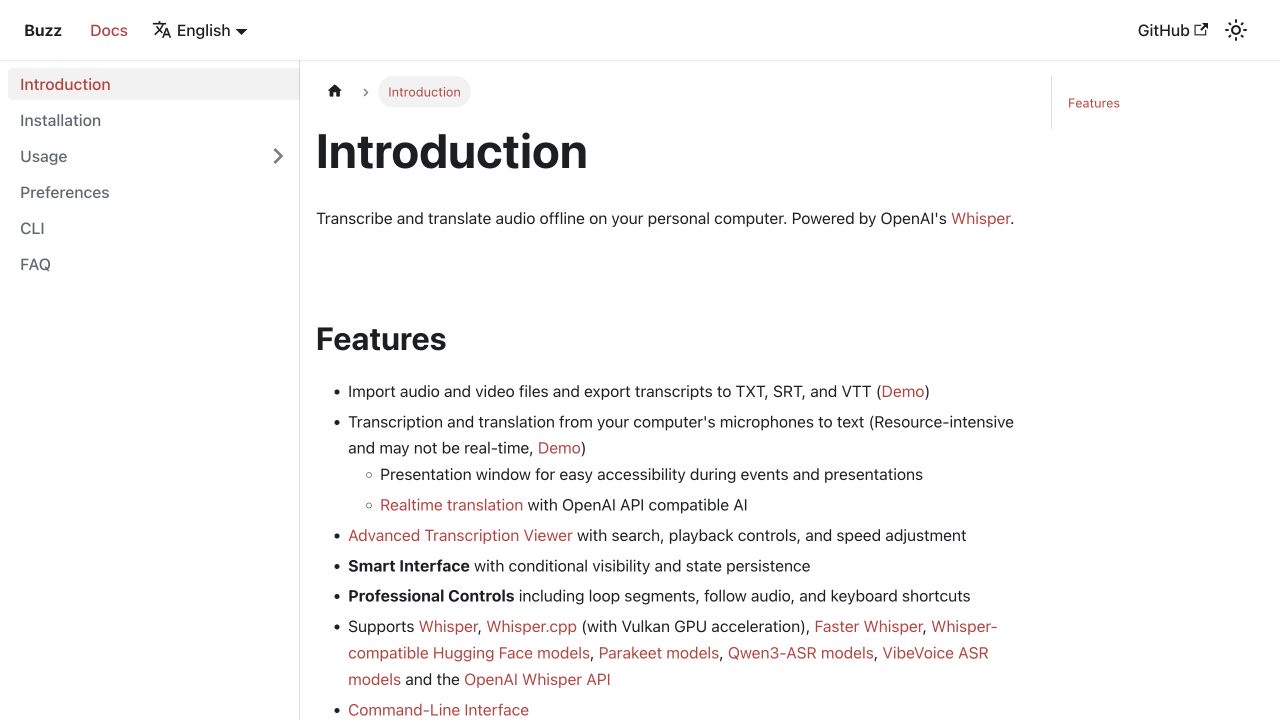
Buzz is a free desktop interface for local speech recognition. Release 1.4.5, published August 23, 2026, is the current stable baseline. Its Windows release needs one .exe and two .bin files kept in the same folder. The app is unsigned, so Windows can show a SmartScreen warning. Proceed only when the files came from the official release page.
- Download the Windows installer and both BIN files from the official Buzz release link.
- Keep all three files together and run the EXE.
- Open Preferences > Model Preferences and download
baseorbase.en. - Choose File > Import Media File, use the plus button, or press
Ctrl+O. - Set the task to Transcribe, choose the spoken language, and select a local Whisper model. Do not choose an API-backed provider.
- Select TXT, SRT, or VTT output, then choose Run.
- Open the completed job, review the text, and use Export As.
Buzz can process local files after the selected model is downloaded. Its preferences documentation also describes basic telemetry and update checks, plus the BUZZ_DISABLE_TELEMETRY=true and BUZZ_DISABLE_UPDATE_CHECK=true environment variables. APIs, plugins, and online-video imports are separate from the local file path.
Windows alternative: Subtitle Edit for captions
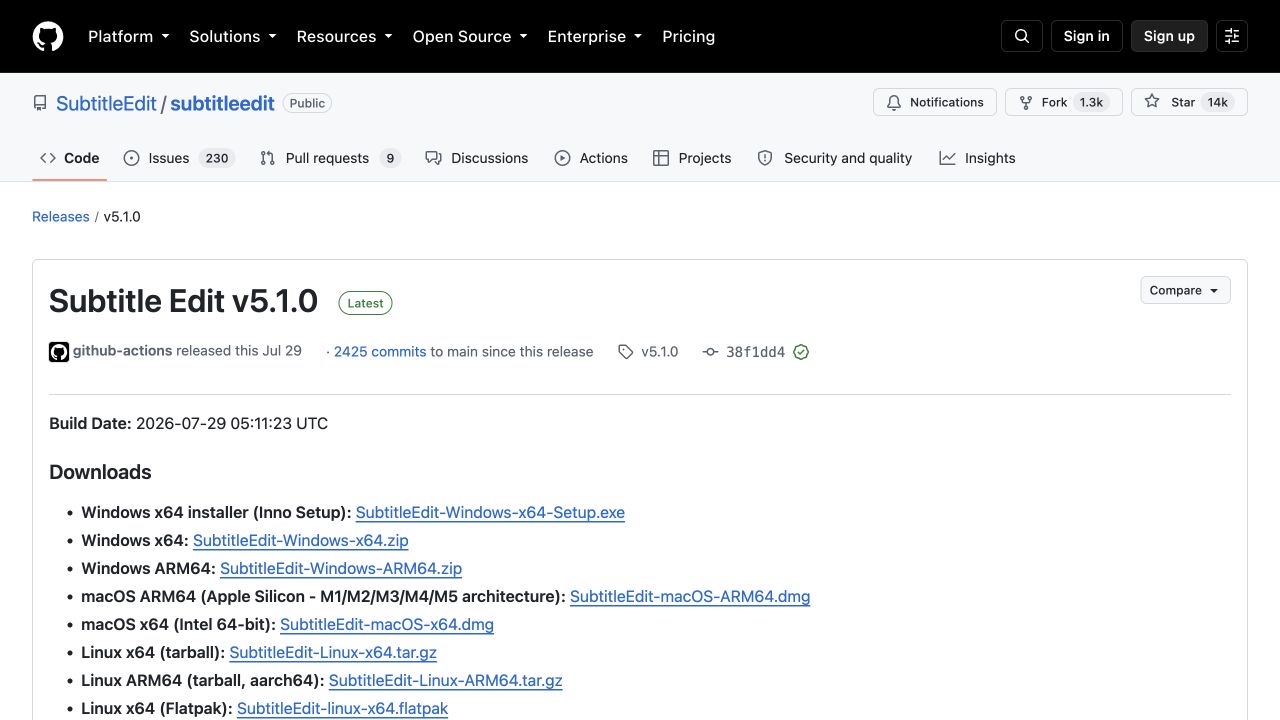
Use Subtitle Edit when you need timed subtitles more than a prose transcript. Subtitle Edit 5.1.0 was released on July 29, 2026, with Windows, macOS, and Linux packages.
- Install Subtitle Edit from the official release page.
- Open the media file and choose Video > Speech to text....
- Select Whisper CPP. This is the local engine. An OpenAI-compatible server is not offline.
- Choose a backend, model, and language. Let the first run download the required engine and model files.
- Select Transcribe, then review the text and timing.
- Save the result as SRT or another format supported by the editor.
The project's privacy section says its core program can work offline and does not collect information. Optional online services send data to the provider you select, so check the engine before using sensitive media.
How to transcribe audio offline on Mac
Recommended Mac route: MacWhisper Free
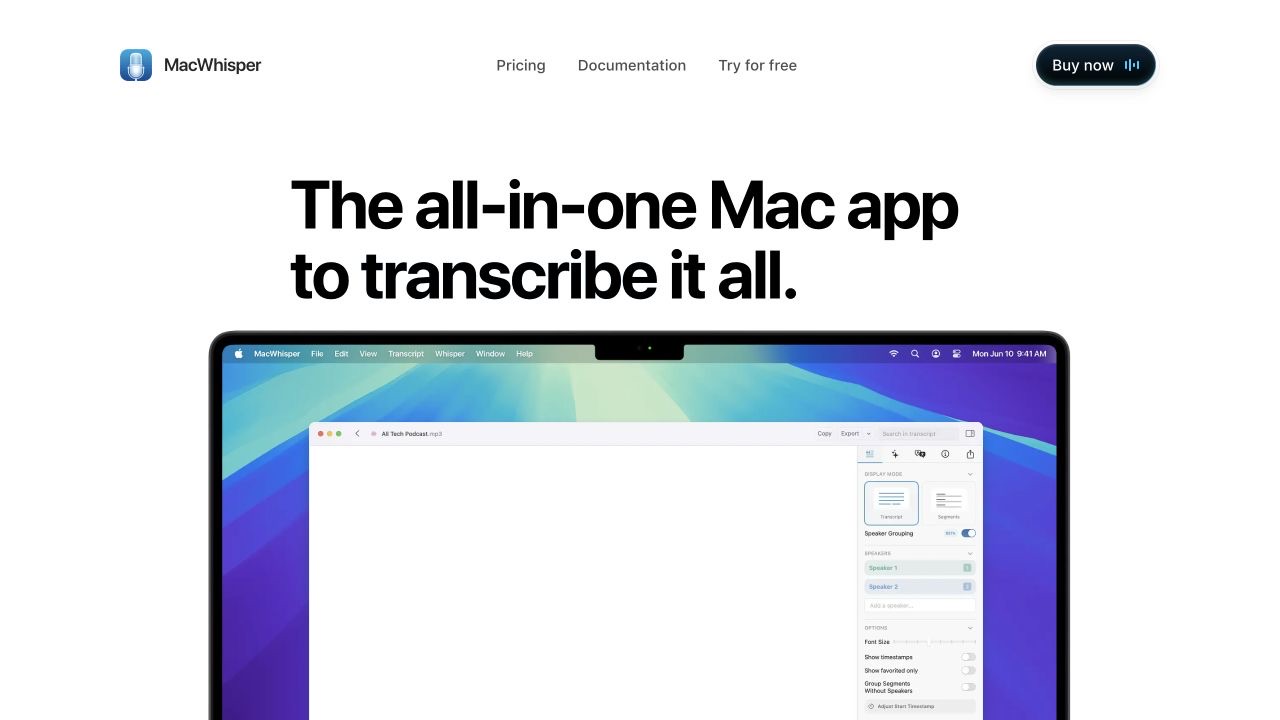
MacWhisper offers the most native Mac workflow in this guide. On September 2, 2026, its official pricing page listed the Free tier at €0 and MacWhisper Pro at €64 as a one-time license with lifetime updates. The free tier includes local transcription and TXT, SRT, and VTT exports. Batch transcription and automatic speaker recognition are listed as Pro features.
- Download MacWhisper from the official site, move it to Applications, and open it.
- Open Manage Models and download a local model before disconnecting.
- On Apple silicon, you can choose a WhisperKit model. MacWhisper says WhisperKit models require an M-series Mac, so Intel users should choose another available local model.
- Drag in an audio or video file.
- Confirm that a downloaded local model is selected, then choose the language and start transcription.
- Review the result and export TXT, SRT, or VTT.
MacWhisper's privacy documentation distinguishes local transcription from cloud transcription and optional integrations. A downloaded local model can keep transcription on the Mac. A cloud model sends audio to the selected provider, and hosted translation or AI actions can send transcript text.
Open-source Mac alternative: Buzz
Buzz uses the same import workflow on macOS as it does on Windows: download a model, import the media, choose Transcribe, select the language and local model, and export TXT, SRT, or VTT. Buzz says 1.4.5 is its final release with an Intel Mac build, so Intel users should keep the installer they verify.
How to transcribe audio offline on Linux
Buzz via Flatpak is the most consistent documented GUI route across Linux distributions:
flatpak install flathub io.github.chidiwilliams.Buzz
flatpak run io.github.chidiwilliams.Buzz- Open Preferences > Model Preferences and download
baseor another local model. - Choose File > Import Media File.
- Select Transcribe, the spoken language, a local engine and model, and your output formats.
- Run the job, review the result, and export it.
- Close Buzz, disconnect the network, reopen the app, and process a second local file.
Buzz also provides Snap and AppImage routes. Package dependencies differ by distribution, so use the method your distribution supports. Subtitle Edit also publishes Linux builds and a Flatpak for subtitle-focused work.
Cross-platform command line: OpenAI Whisper
Choose the original OpenAI Whisper package when you are comfortable with Python and want common audio formats handled through FFmpeg. The stable release baseline is v20250625. The official README currently lists Python 3.8 to 3.11 compatibility, so Python 3.11 is the conservative choice.
1. Install FFmpeg
Use the command for your operating system:
# Windows with Chocolatey
choco install ffmpeg

# Windows with Scoop
scoop install ffmpeg

# macOS with Homebrew
brew install ffmpeg

# Ubuntu or Debian
sudo apt update
sudo apt install ffmpeg
Confirm that FFmpeg is on your PATH:
ffmpeg -version2. Create a Python environment and install Whisper
On Windows PowerShell:
py -3.11 -m venv whisper-env
.\whisper-env\Scripts\Activate.ps1
python -m pip install --upgrade pip
pip install -U openai-whisper
On macOS or Linux:
python3.11 -m venv whisper-env
source whisper-env/bin/activate
python -m pip install --upgrade pip
pip install -U openai-whisper
3. Create TXT and SRT output
Keep the internet connected for the first command so Whisper can download the selected model to its local cache:
whisper "interview.m4a" \
  --model base \
  --language English \
  --task transcribe \
  --output_format txt \
  --output_dir "whisper-output"
The expected file is whisper-output/interview.txt. Change the format to SRT for subtitles:
whisper "interview.m4a" \
  --model base \
  --language English \
  --task transcribe \
  --output_format srt \
  --output_dir "whisper-output"
On Windows PowerShell, place the command on one line or replace each backslash continuation with a backtick. The local package does not require an OpenAI API key. The official command documentation also supports VTT, TSV, JSON, and all-format output.
If you end up with only an SRT or VTT file and need readable text, open it in the free transcript timestamp remover. It deletes cue numbers and time ranges in your browser without uploading the file.
Lightweight command line: whisper.cpp
Choose whisper.cpp when you want a native C/C++ implementation, direct control over model files, or a scriptable executable without a Python environment. Version 1.9.2, released August 4, 2026, is the stable baseline used here. Version 1.9.3 is still marked as a pre-release.
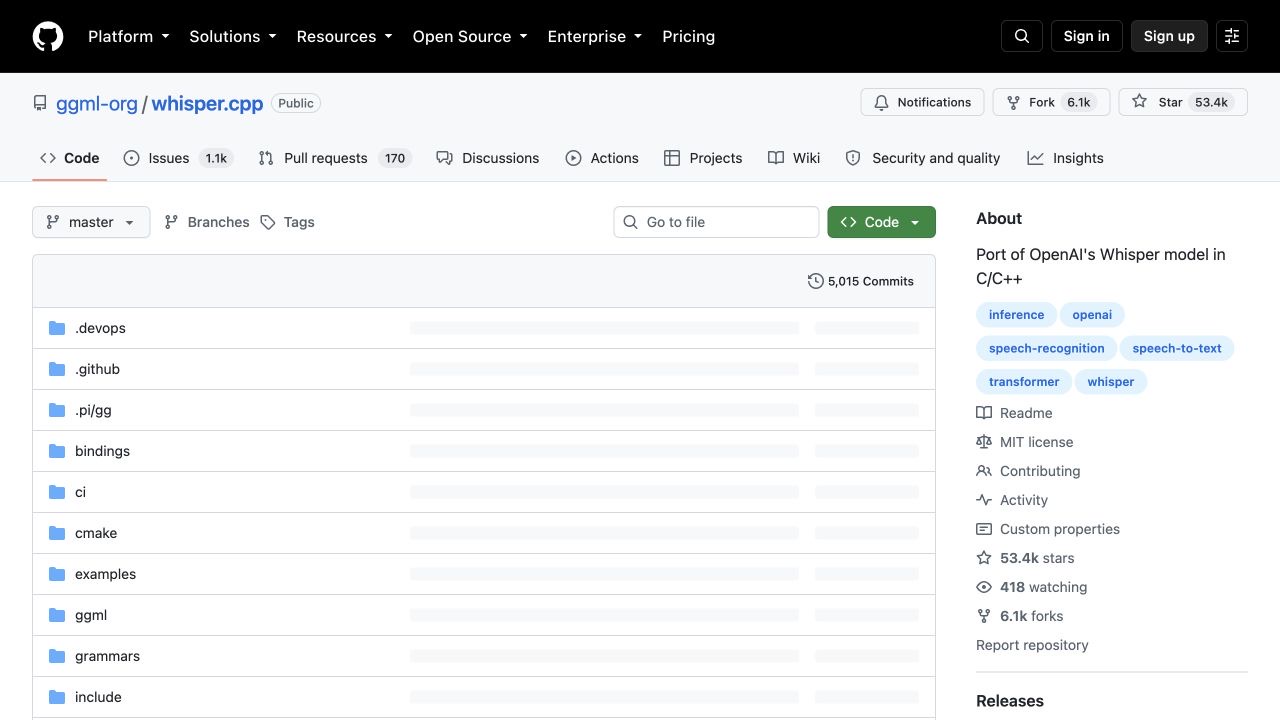
1. Clone, download a model, and build
git clone https://github.com/ggml-org/whisper.cpp.git
cd whisper.cpp
sh ./models/download-ggml-model.sh base.en
cmake -B build
cmake --build build -j --config Release
For multilingual audio, replace base.en with base. On Windows PowerShell, use the Windows model script:
.\models\download-ggml-model.cmd base.en
cmake -B build
cmake --build build --config Release
If CMake places the executable in an unexpected directory, locate it with:
Get-ChildItem .\build -Recurse -Filter whisper-cli.exe2. Convert the input to 16-bit mono WAV
The current whisper-cli quick start expects 16-bit WAV input:
ffmpeg -i interview.m4a -ar 16000 -ac 1 -c:a pcm_s16le interview.wav3. Export TXT, SRT, and VTT together
./build/bin/whisper-cli \
  -m models/ggml-base.en.bin \
  -f interview.wav \
  -l en \
  -otxt -osrt -ovtt \
  -of transcript
This creates transcript.txt, transcript.srt, and transcript.vtt. On Windows, replace the executable path with the result from Get-ChildItem. The official quick start documents the build, model download, and WAV conversion steps.
How to prove the transcription step works offline
- While connected, install the app or package and download the selected model.
- Transcribe one short, non-sensitive test file and confirm the expected output opens.
- Close the application completely.
- Disconnect Ethernet, turn off Wi-Fi, and disable any automatic mobile hotspot.
- Reopen the application and transcribe a different local file.
- Confirm that a new TXT, SRT, or VTT file appears and contains text from the second recording.
- If practical, use the operating system's network monitor to confirm the app does not make a connection during the second job.
A cached result does not prove offline processing, which is why the second recording must be different. A successful test also applies only to the engine and settings you tested. Switching to a cloud model, translation integration, or hosted assistant changes the data path. For more context, read our guide to local versus cloud transcription.
Need the same workflow on iPhone?
The desktop tools above are useful for batches, subtitles, and command-line automation. When the recording starts on your phone, moving it to a computer adds an extra step. VoiceScriber records and transcribes voice notes on-device on iPhone. You can also import M4A, MP3, and WAV files, then edit, search, and share the transcript without a cloud transcription server.
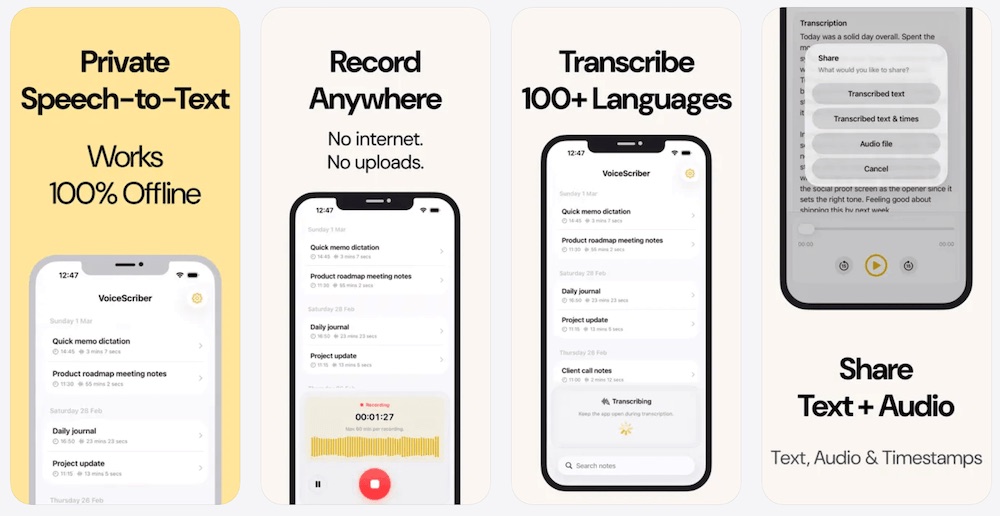
Keep the iPhone workflow on your iPhone
Record or import audio, transcribe it on-device, and work with the text without setting up a desktop environment.
Transcribe Offline on iPhoneVoiceScriber is free to try with no account, credit card, or connection required to start. Current purchase options are $5.99 weekly or $49.99 lifetime, and App Store pricing can vary by country. See more free offline speech-to-text options if you also need a browser-based English workflow.
Offline Whisper troubleshooting
ffmpeg is not recognized or not found
Close and reopen the terminal after installing FFmpeg. Run ffmpeg -version. If the command still fails, locate the executable and add its folder to PATH. OpenAI Whisper will not reliably open common compressed media formats without FFmpeg.
The first transcription fails while offline
The speech model probably has not finished downloading. Reconnect, select the exact model you plan to use, complete one short transcription, then repeat the test with a new file while disconnected.
The model download stops or is corrupted
Check free disk space, retry on a stable connection, and use the app's model manager rather than manually moving partial downloads. If a command-line model repeatedly fails, remove only that incomplete model through the tool's documented process and download it again.
The computer runs out of memory
Switch from large or medium to small, base, or tiny. Close memory-heavy applications. A smaller model that finishes is more useful than a larger model that swaps heavily or crashes.
whisper.cpp rejects an MP3 or M4A file
Convert it to 16-bit, 16 kHz, mono PCM WAV with the FFmpeg command above. Verify the converted file exists before running whisper-cli.
The transcript is in the wrong language
Set the language explicitly and use a multilingual model. English-only model names end in .en. Also confirm the task is Transcribe rather than Translate.
No SRT or VTT file appears
Check the output format and output directory. OpenAI Whisper needs --output_format srt or vtt. whisper.cpp needs -osrt or -ovtt. In a GUI app, select the format before starting or use its export menu after completion.
PowerShell will not activate the environment
Use a PowerShell session where local script execution is permitted, or activate the virtual environment from Command Prompt with whisper-env\Scripts\activate.bat. Change execution policy only if you understand the system-wide effect.
Conclusion
The dependable offline pattern is simple: install while connected, download one modest model, finish a test transcription, then prove the setup with a different file after disconnecting. Buzz is the easiest general GUI route for Windows and Linux, MacWhisper Free is the most native Mac route, Subtitle Edit suits timed captions, and OpenAI Whisper or whisper.cpp give you scriptable control.
Whichever route you choose, review important transcripts and keep the selected engine visible in your checklist. One cloud toggle can change an otherwise local workflow.
Transcribe privately wherever you record
Use VoiceScriber for on-device iPhone recording and transcription, with no account or audio upload required to start.
Try VoiceScriber FreeFrequently asked questions
Can I transcribe audio offline for free?
Yes. After you download a local Whisper app and speech model, you can transcribe new files without an internet connection. On iPhone, VoiceScriber is a practical option when you want to record or import M4A, MP3, and WAV files and keep transcription on-device.
Does Whisper upload audio to OpenAI?
No, not when you use the open-source Whisper package or whisper.cpp locally as shown in this guide. Those workflows do not require an OpenAI API key. Audio is uploaded only if you deliberately select a hosted API, cloud model, or online integration.
Which Whisper model should a beginner use?
Start with base.en for English-only audio or base for multilingual audio. These models are small enough for a quick setup check. Move to small only after the complete import, transcription, and export workflow succeeds on your computer.
Can Whisper create SRT and VTT subtitles offline?
Yes. Buzz, MacWhisper, Subtitle Edit, OpenAI Whisper, and whisper.cpp can create SRT output with local processing. Buzz, MacWhisper, OpenAI Whisper, and whisper.cpp can also export VTT through the workflows described here.
Why does Whisper need internet on the first run?
The first run usually downloads a speech model, and installation may also fetch software dependencies. Once the application, dependencies, and selected model are stored locally, the transcription step can run offline.
What is the easiest free Whisper app for Windows?
Buzz is the simplest general-purpose choice in this guide. Subtitle Edit is a better fit when the main result is a timed subtitle file and you want to review timing in a dedicated subtitle editor.
What is the easiest free Whisper app for Mac?
MacWhisper Free provides the most native Mac workflow in this guide. Buzz is the open-source alternative. In either app, download a local model first and avoid cloud providers when you need offline processing.
Can Whisper run locally on Linux?
Yes. Buzz offers Flatpak, Snap, and AppImage routes. OpenAI Whisper and whisper.cpp also run on Linux, and Subtitle Edit publishes Linux packages for subtitle-focused workflows.
Further reading
- Compare free audio-to-text converters that keep files local
- Compare offline transcription apps by platform
- See which transcription apps work in Airplane Mode
- Transcribe iPhone Voice Memos offline
Sources
- OpenAI. Whisper repository, installation, model requirements, and CLI usage; v20250625 release.
- ggml-org. whisper.cpp repository and quick start; v1.9.2 stable release; v1.9.3 pre-release status.
- Buzz. Official documentation; v1.4.5 release; file import guide.
- MacWhisper. Product and pricing; local and cloud privacy documentation; WhisperKit model requirements.
- Subtitle Edit. Version 5.1.0 release; speech-to-text documentation.
- Apple App Store. VoiceScriber listing.