
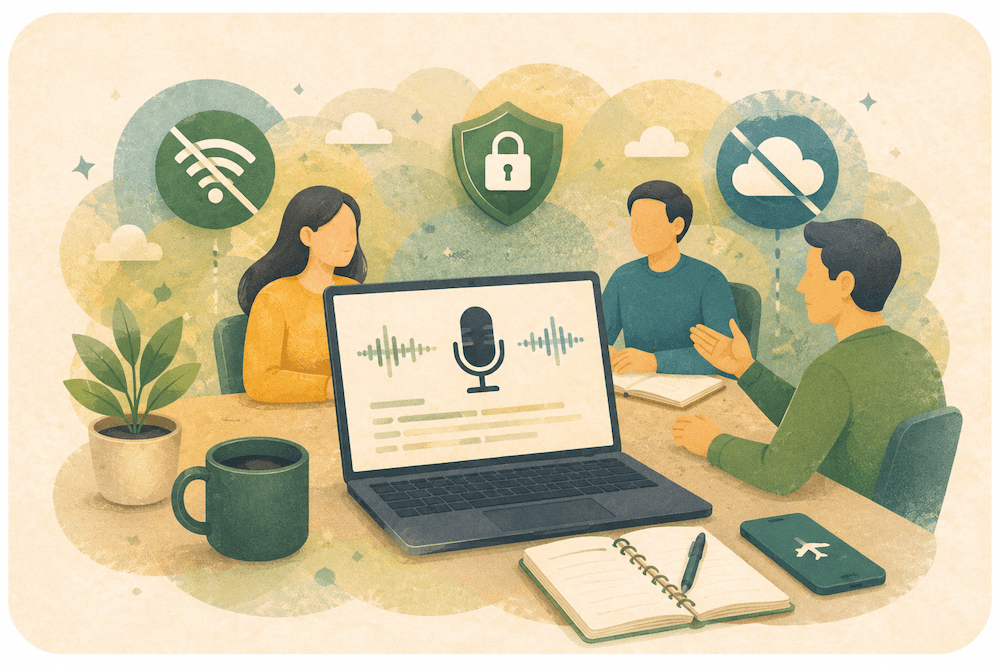
The best AI meeting recorder without a bot depends on where transcription happens. VoiceScriber is the strongest private offline iPhone option. MacWhisper and Notta Privacy Mode cover local desktop transcription, while Granola, Jamie, Krisp, Fathom, and Fireflies use cloud workflows. No bot does not automatically mean offline or private.
For choices beyond meeting recorders, compare offline transcription apps for iPhone, Android, Mac, Windows, and Linux or our roundup of AI-powered note takers. If Otter is the tool you are replacing, start with the Otter.ai alternatives for team meetings, free plans and local transcription.
Quick answer
Choose VoiceScriber when you want to record an in-person meeting on iPhone, create the transcript without internet, and keep the recording and transcript on the device. It does not auto-join Zoom, Microsoft Teams, or Google Meet.
AI Meeting Recorders Without Bots Compared
| Tool | Best for | Bot required? | Works offline? | Audio uploaded? | Starting price | Main limitation |
|---|---|---|---|---|---|---|
| VoiceScriber | Private in-person iPhone meetings | No | Yes | No | Free to try; $5.99 weekly or $49.99 lifetime | No automatic meeting-platform joining |
| MacWhisper | Local Mac capture and file transcription | No | Yes, after model download | No on the local path | Free; Pro €64 one-time | Optional cloud features can transmit data |
| Notta Privacy Mode | Local Mac or Windows transcription | No | Yes, after setup | No in Privacy Mode | Free plan; Pro for unlimited local use | Desktop beta with narrower local language support |
| Granola | Polished bot-free cloud notes | No | No | Yes for cloud processing; audio is not retained | Free; Business $14 per user monthly | Transcripts and notes are stored in the cloud |
| Jamie | Multilingual bot-free cloud notes | No | No | Yes, then audio is deleted after transcription | Free; Plus €21 monthly when billed annually | Transcripts remain in Jamie's cloud |
| Krisp | No-bot notes plus noise cancellation | No | Partial | Depends on language and feature | Seven-day trial; Core $16 monthly or $8 monthly annually | Privacy behavior changes by mode |
| Fathom | Free bot-free cloud summaries | Optional; bot-free capture is a Mac beta | No | Yes | Free | Bot-free capture is beta and Mac-specific |
| Fireflies.ai | Sales, CRM, and team workflows | Usually; Google Meet extension can be bot-free | No for transcription | Yes | Free; Pro $18 monthly or $10 monthly annually | No-bot browser capture is focused on Google Meet |
Record a private meeting without inviting a bot
VoiceScriber records and transcribes on your iPhone, even in Airplane Mode. No account or transcription server is required.
Try VoiceScriber FreeWhat Is a Bot-Free AI Meeting Recorder?
A bot-free AI meeting recorder captures microphone or system audio from your device instead of adding a visible participant to Zoom, Teams, or Google Meet. It may still upload audio or transcripts for cloud processing. Bot-free describes the capture method, not where data is processed or stored.
| Processing model | How capture works | Where transcription happens | Examples |
|---|---|---|---|
| Bot-based cloud assistant | A visible notetaker joins the online meeting | Vendor cloud | Otter and standard Fireflies workflows |
| Bot-free cloud recorder | A desktop, browser, or mobile app captures audio | Vendor or third-party cloud | Granola, Jamie, Fathom beta, Fireflies extension |
| Bot-free local recorder | The phone or computer captures audio directly | On the device | VoiceScriber, MacWhisper local mode, Notta Privacy Mode |
Offline recording only means the app can save audio without internet. Offline transcription means it can turn speech into text before reconnecting. An app that records offline and uploads later still uses cloud transcription. See our guide to transcription apps checked against an Airplane Mode standard and the comparison of on-device versus cloud transcription.
The 8 Best AI Meeting Recorders Without Bots
1. VoiceScriber: Best Private Offline Meeting Recorder for iPhone
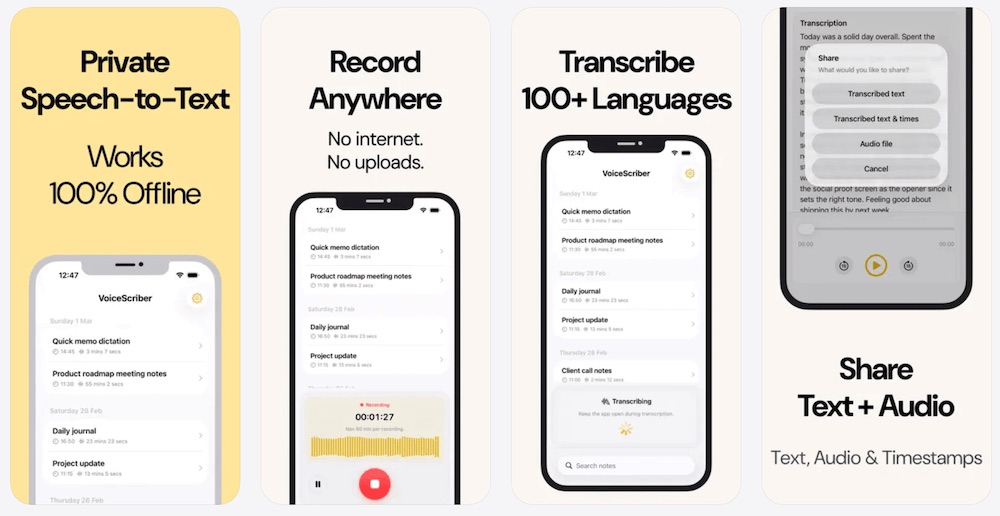
Best for: In-person client meetings, interviews, lectures, confidential notes, and field research captured on iPhone.
VoiceScriber records through the iPhone microphone and transcribes on the device. Its App Store listing documents 100+ transcription languages, background recording, up to 90 minutes per recording, M4A, MP3, and WAV imports, local storage, search, tags, editing, and export. Apple currently displays the developer-provided privacy label Data Not Collected. For language selection and links to the individual guides, use the multilingual offline transcription workflow for iPhone.
Once you have chosen the app, follow the step-by-step workflow to transcribe meetings and lectures on iPhone offline.
Pricing: Free to try, $5.99 weekly, or $49.99 lifetime. Storefront prices may vary.
Main limitation: VoiceScriber does not auto-join Zoom, Teams, or Google Meet, create a shared company workspace, or send meeting intelligence to a CRM. It is designed for manual local capture and controlled export.
2. MacWhisper: Best Local Meeting Recorder for Mac
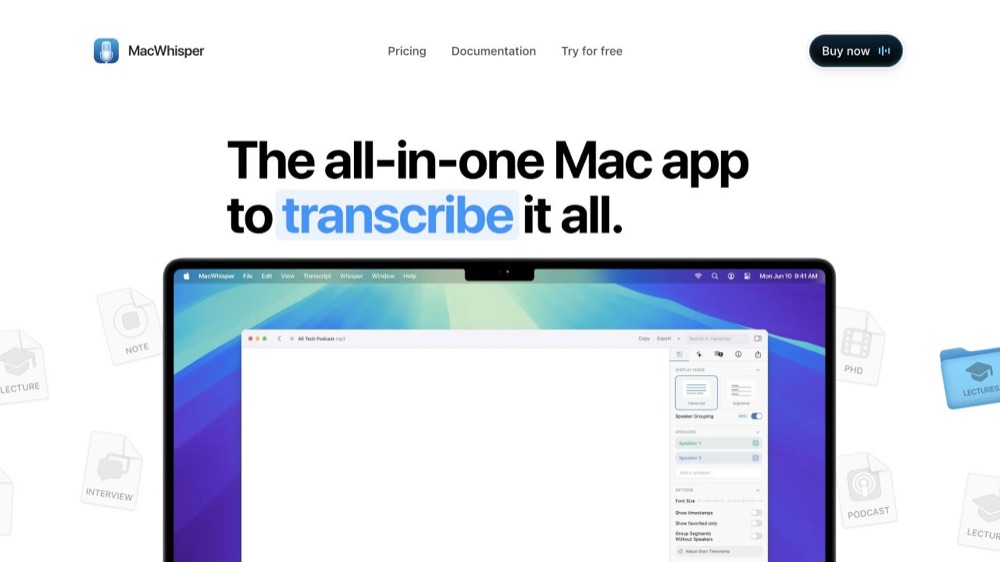
Best for: Mac users who need local meeting capture, file transcription, speaker recognition, and flexible exports.
MacWhisper can capture audio from Mac apps without inviting a meeting bot. Its official site documents local models, offline processing, 100+ languages, speaker recognition, batch transcription, and multiple export formats. A free version is available, while MacWhisper Pro is €64 as a one-time license with lifetime updates.
Main limitation: MacWhisper also offers remote transcription models and optional AI or translation features. Those paths can transmit data, so privacy-sensitive users should stay on downloaded local models and review each optional integration.
3. Notta Desktop Privacy Mode: Best Local Mac and Windows Beta
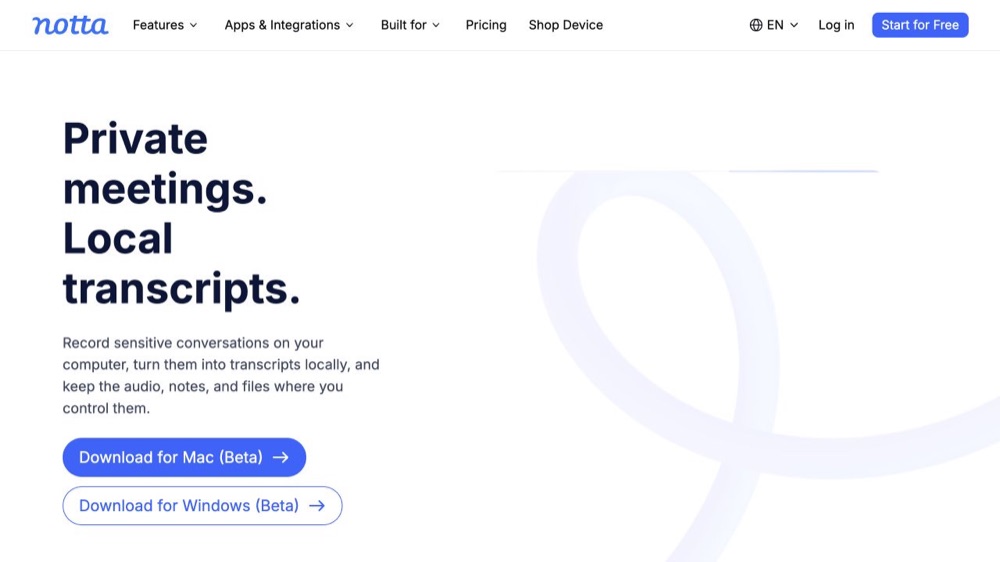
Best for: People who need no-bot local transcription on either Mac or Windows.
Notta Desktop Privacy Mode records and transcribes locally after setup. Notta says recordings, transcripts, folders, and related files remain in a local folder, and the mode can work offline after its transcription engine is downloaded. The feature is currently labeled beta on both Mac and Windows.
Main limitation: Privacy Mode has narrower language support than Notta's standard cloud service. Local model support varies by operating system and selected engine, so do not assume the cloud product's broader language count applies offline.
4. Granola: Best Polished Bot-Free Cloud Notes
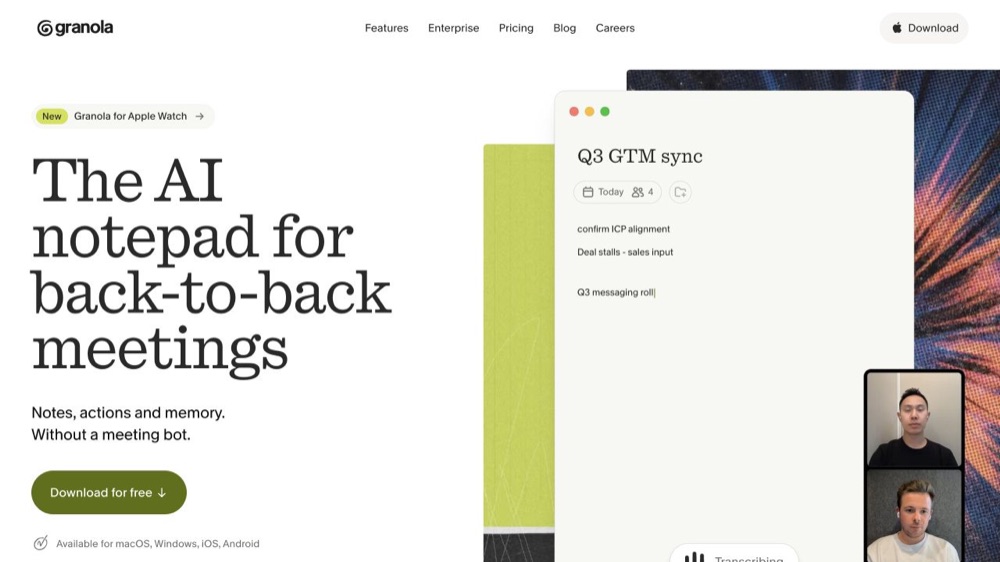
Best for: Founders, executives, product managers, and consultants who want polished notes without another meeting participant.
Granola manually captures microphone and computer audio without auto-joining a call. Granola says it uses cloud transcription and AI providers, does not retain meeting audio, and stores transcripts and notes in an encrypted US-hosted AWS environment. Its Basic plan is free, and Business is $14 per user monthly.
Main limitation: Granola is bot-free, not offline. Review note-sharing and model-improvement settings before using it for confidential work.
5. Jamie: Best Multilingual Bot-Free Cloud Recorder
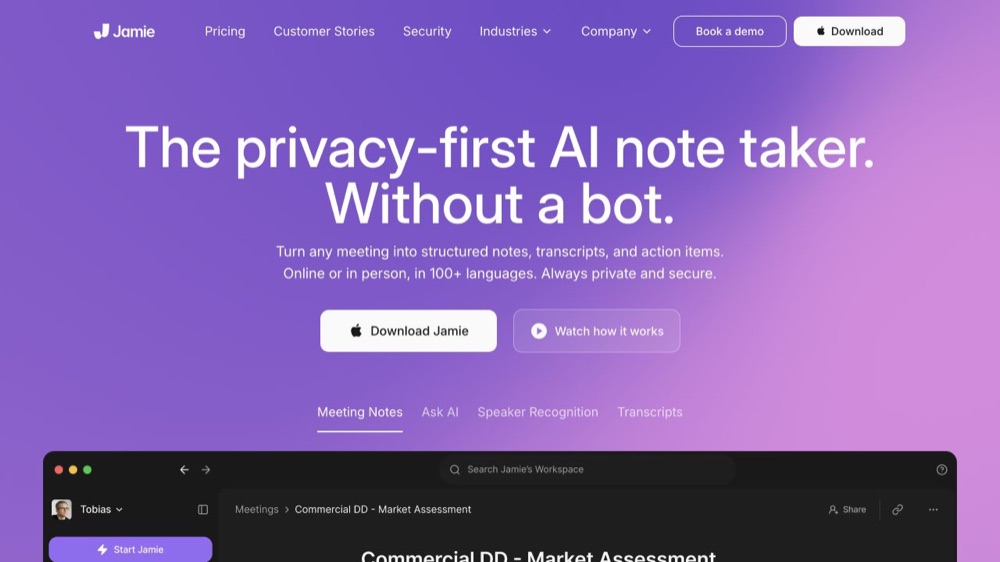
Best for: Multilingual professionals who prefer no visible bot and EU-hosted cloud processing.
Jamie supports 99+ languages, speaker recognition, online and in-person meetings, summaries, and integrations. Its free plan covers 10 meetings per month with a 30-minute limit. Plus is €21 monthly when billed annually.
Jamie says audio is uploaded to infrastructure in Frankfurt and deleted after transcription. Transcripts remain stored in Frankfurt, and the company says meeting data is not used to train its models.
Main limitation: Jamie is not offline. Audio leaves the device before deletion, and the transcript remains in the cloud.
6. Krisp: Best No-Bot Recorder With Noise Cancellation
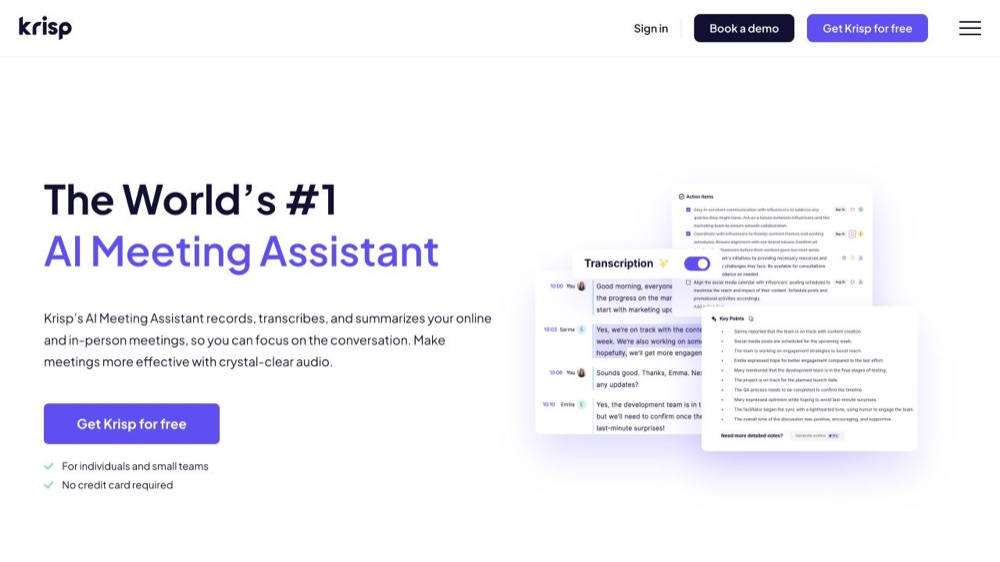
Best for: Remote workers who need cleaner call audio alongside bot-free notes.
Krisp captures at the device level and can work without a visible bot. Its meeting assistant includes transcription, recordings, notes, summaries, and action items. The current pricing page lists a seven-day trial, with Core at $16 monthly or $8 monthly when billed annually.
Main limitation: Krisp's processing model depends on the language, feature, and plan. Core product pages describe on-device transcription, while recordings and some AI workflows use cloud storage or processing. Confirm the exact mode your organization plans to use.
7. Fathom: Best Free Bot-Free Cloud Option
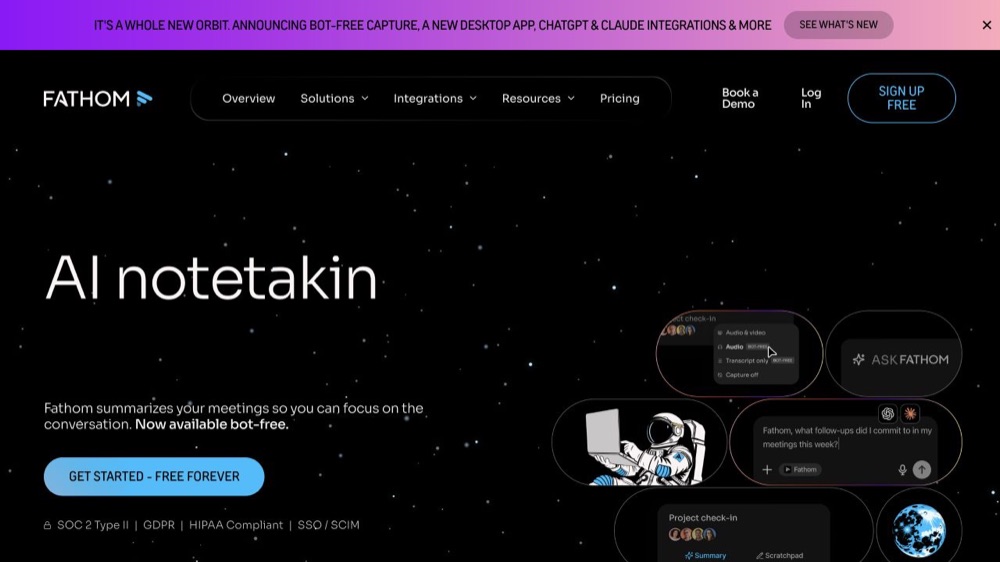
Best for: Individuals who want free cloud recordings, transcripts, summaries, and action items.
Fathom lists unlimited recordings and transcriptions on its individual free plan. Its pricing page now offers a choice between bot capture and bot-free capture, but identifies the bot-free option as a beta feature for Mac. Fathom's help center lists 38 transcription languages.
Main limitation: Bot-free capture removes the visible participant but does not make Fathom offline or local.
8. Fireflies.ai: Best for Sales, CRM, and Team Integrations
Best for: Sales, recruiting, customer success, and teams that need searchable meeting archives and workflow automation.
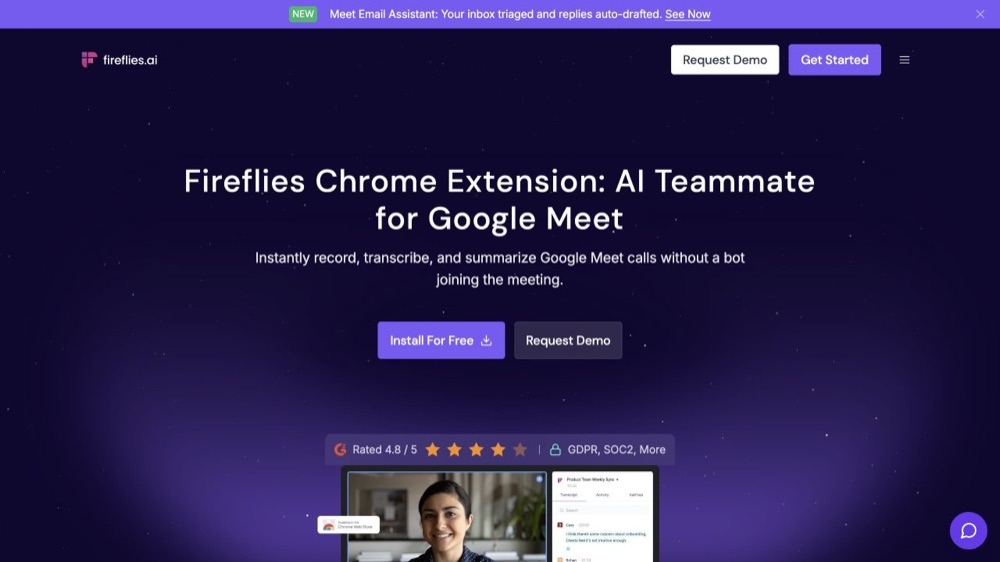
Fireflies' Chrome extension can record and transcribe Google Meet without adding the Fireflies bot. The wider platform supports 100+ languages, team workspaces, searchable transcripts, speaker analytics, and integrations. Its free plan includes unlimited transcription and summaries, while Pro is $18 monthly or $10 monthly when billed annually.
Main limitation: The documented no-bot browser path is focused on Google Meet. Fireflies remains a cloud platform, and offline mobile recordings must be uploaded before transcription.
Which AI Meeting Recorders Work Without Internet?
For strict offline transcription, the shortlist is much smaller than the no-bot category.
| Tool | Platform | Transcript created offline? | Audio uploaded for local mode? | Main limitation |
|---|---|---|---|---|
| VoiceScriber | iPhone | Yes | No | No automatic meeting-platform integration |
| MacWhisper | Mac | Yes, after model download | No | Optional cloud features must be avoided |
| Notta Privacy Mode | Mac and Windows beta | Yes, after setup | No | Beta with limited local language coverage |
| Apple Voice Memos and Notes | Supported iPhones | Device, language, and region dependent | Depends on the selected Apple workflow and settings | Not a dedicated meeting intelligence workspace |
Best AI Meeting Recorder by Meeting Type
| Meeting type | Recommended option | Why |
|---|---|---|
| In-person client meeting | VoiceScriber for local iPhone capture; Granola or Jamie when cloud notes are approved | Choose between minimal data movement and richer shared notes |
| Remote Zoom, Teams, or Google Meet call | MacWhisper or Notta Privacy Mode for local capture; Fathom, Granola, Jamie, or Krisp for cloud notes | The key choice is local processing versus automated collaboration |
| Legal or confidential discussion | VoiceScriber, MacWhisper, or Notta Privacy Mode | Local processing can reduce third-party transcription exposure |
| Clinical or healthcare-adjacent notes | An organization-approved local or contracted workflow | No app alone makes the complete workflow HIPAA-compliant |
| Interview or research session | VoiceScriber for fieldwork; MacWhisper for desktop files | Both support local processing without a meeting bot |
| Sales call or CRM workflow | Fireflies, Fathom, Jamie, or Krisp | These products add summaries, integrations, automation, and team search |
For profession-specific decisions, read our guides to secure offline transcription for legal work, clinical voice-to-text apps compared by offline processing, BAA, and EHR support, and offline transcription for journalists and confidential sources.
How to Choose a Bot-Free AI Meeting Recorder
- Bot behavior: Confirm whether a visible participant joins the call.
- Processing location: Ask whether transcription happens locally or in the cloud.
- Audio handling: Check whether audio is uploaded, retained, or deleted after processing.
- Transcript storage: Review where searchable text, summaries, and notes remain.
- Training controls: Check default model-improvement settings and plan differences.
- Device support: Verify iPhone, Mac, Windows, browser, and meeting-platform support separately.
- Limits: Confirm recording length, file imports, storage, languages, and paid-plan restrictions.
- Sharing: Review link defaults, workspace permissions, exports, CRM sync, and deletion controls.
Do You Need Consent to Use an AI Meeting Recorder?
Recording and transcription requirements vary by country, state, participant location, workplace policy, industry, meeting platform, and context. A remote meeting can include people in several jurisdictions, and professional duties such as confidentiality or privilege may add requirements beyond recording law.
A practical default is to explain that recording or AI transcription will occur, identify the tool and processing model, obtain agreement when required or when the conversation is sensitive, offer a way to decline, and follow organizational retention rules. The Reporters Committee for Freedom of the Press recording guide provides jurisdiction-specific starting points. It is not a substitute for legal advice.
When Is a Cloud Meeting Assistant Better?
A local recorder is not always the best product. Choose a cloud assistant such as Fireflies, Fathom, Granola, Jamie, Krisp, or Otter when you need automatic calendar capture, shared transcripts, search across meetings, assigned action items, CRM integrations, centralized administration, or a company-approved retention program.
For a cost and workflow comparison across private phone notes, Mac files, and shared cloud meetings, see our small-business transcription app guide.
Cloud tools can provide more organizational value than a personal recorder. The important decision is whether those collaboration benefits justify the product's processing and storage model for the meeting at hand.
Other Tools Considered
Apple Voice Memos and Notes
Apple's built-in tools are useful for lightweight recording and transcription on supported devices, languages, and regions. They are free and bot-free, but are not full team meeting platforms. See Apple's guides to Voice Memos transcripts and recording audio in Notes.
ChatGPT Record
ChatGPT Record is a bot-free Mac option for transcripts and summaries inside ChatGPT. Audio is deleted after transcription, while transcripts and canvases follow workspace retention settings. It is cloud-based and not an iPhone offline recorder.
Otter.ai
Otter remains a strong cloud collaboration product. If connectivity drops, it may continue recording, but transcription finishes after reconnection and upload. That is offline capture, not offline transcription.
Wispr Flow
Wispr Flow is primarily a dictation product, and its documentation says transcription occurs in the cloud. It is adjacent to this category but not a strong answer for local meeting transcription.
FAQs
What is the best AI meeting recorder without a bot?
VoiceScriber is the best fit for private offline meetings recorded on an iPhone. MacWhisper is stronger for local Mac meetings, and Notta Privacy Mode adds a local Windows option. Granola, Jamie, Krisp, and Fathom are better when bot-free cloud summaries and cross-device access matter more than local processing.
Can an AI meeting recorder work offline?
Yes, but only some products can create the transcript without reconnecting. VoiceScriber transcribes locally on iPhone, MacWhisper uses downloaded local models on Mac, and Notta Privacy Mode supports local desktop transcription in beta. Many other products can record without a bot but still need cloud processing.
Is a bot-free meeting recorder automatically private?
No. Bot-free means no visible notetaker joins the call. It does not tell you whether audio is uploaded, where transcripts are stored, how long data is retained, or whether content can be used for product improvement. Check capture method, processing location, storage, sharing defaults, and training controls separately.
Which meeting transcription apps work without internet?
VoiceScriber, MacWhisper's local path, and Notta Desktop Privacy Mode have the clearest documented offline transcription workflows. Apple Voice Memos and Notes may also provide transcription on supported devices and languages, but they are better treated as built-in fallbacks rather than universal offline meeting-transcription systems.
Can I transcribe a Zoom meeting without inviting a bot?
Yes. MacWhisper, Notta Privacy Mode, Granola, Jamie, Krisp, and Fathom's Mac beta can capture meetings without a visible participant. Some process locally and others use the cloud. Confirm your platform, permissions, consent requirements, and audio-capture method before relying on any product.
Does no-bot meeting transcription mean the audio stays on my device?
No. Granola, Jamie, Fathom, and some Krisp workflows are bot-free but still use cloud processing. Fireflies offers bot-free Google Meet capture through its extension, but the transcript is cloud-generated. Only products with a documented local mode should be described as keeping transcription on the device.
Can VoiceScriber record Zoom, Teams, or Google Meet calls?
VoiceScriber does not auto-join or integrate with Zoom, Teams, or Google Meet. It is designed for iPhone-side recording, in-person meetings, and imported audio. For virtual meetings, verify that your allowed recording setup captures the required audio and follow platform, workplace, and local consent rules.
What is the best private meeting recorder for iPhone?
VoiceScriber is the strongest private iPhone option when you want manual recording, offline transcription, local storage, 100+ languages, file imports, and no transcription server. Its main tradeoff is that it does not provide automatic calendar joining, team workspaces, CRM integrations, or company-wide meeting search.
Final Recommendation
For recurring team meetings, sales calls, and approved company workflows, bot-free cloud tools can provide better summaries, integrations, search, and collaboration. For a sensitive in-person meeting where raw audio should remain under the user's control, a local iPhone workflow is the more direct choice.
Keep sensitive meeting audio on your iPhone
VoiceScriber gives you manual local capture and control over what gets exported or shared.
Transcribe Offline on iPhoneSources
- VoiceScriber on the Apple App Store
- MacWhisper official site
- Notta Desktop Privacy Mode
- Granola security and data handling and Granola pricing
- Jamie pricing and Jamie data handling
- Krisp AI Meeting Assistant and Krisp pricing
- Fathom pricing and bot-free beta and Fathom language support
- Fireflies Chrome extension and Fireflies pricing
- Reporters Committee recording guide