

The best transcription app for a small business depends on where conversations happen and who needs the transcript. A solo owner's private phone notes, a Mac backlog of interviews, and a shared meeting archive are different jobs. This guide compares six products by that decision, not by an unsupported accuracy ranking.
Quick answer
If you record client conversations or work notes on an iPhone and do not need a shared cloud archive, choose VoiceScriber. It records and transcribes on the device, including in Airplane Mode after setup. It is not a meeting bot or a team workspace.
Before choosing a team plan, use our transcription app workflow guide to separate meeting capture, file conversion and human review.
For a wider local-first shortlist, see our offline transcription app comparison. If your main job is online meetings, see meeting recorders compared by bot and processing model.
Six transcription apps at a glance
Prices below are standard advertised prices checked on September 18, 2026. They can change by region, billing term or eligibility. “Offline” means the transcript is created without internet, not merely that audio can be recorded until reconnection.
| App | Best fit | Processing | Collaboration | Starting paid price | Important limit |
|---|---|---|---|---|---|
| VoiceScriber | Private iPhone notes | On-device | Manual sharing | $5.99/week or $49.99 once | No shared team archive |
| MacWhisper | Mac file backlog | Local model or optional cloud | Export-led | €64 Pro once | Local privacy depends on settings |
| Fathom | Remote meetings | Cloud | Team tier | $20/user/month Premium | No external file imports |
| Otter.ai | Live notes plus uploads | Cloud | Shared conversations | $16.99/user/month Pro | Minutes and import caps |
| Fireflies.ai | Team meeting follow-up | Cloud | Workspace and integrations | $18/seat/month Pro | Storage and upload rules |
| Notta | Multilingual cloud work | Cloud; separate local beta | Business tier | $97.99/year Pro | Free conversation cap |
The six apps, by business use case
VoiceScriber: private notes captured on iPhone
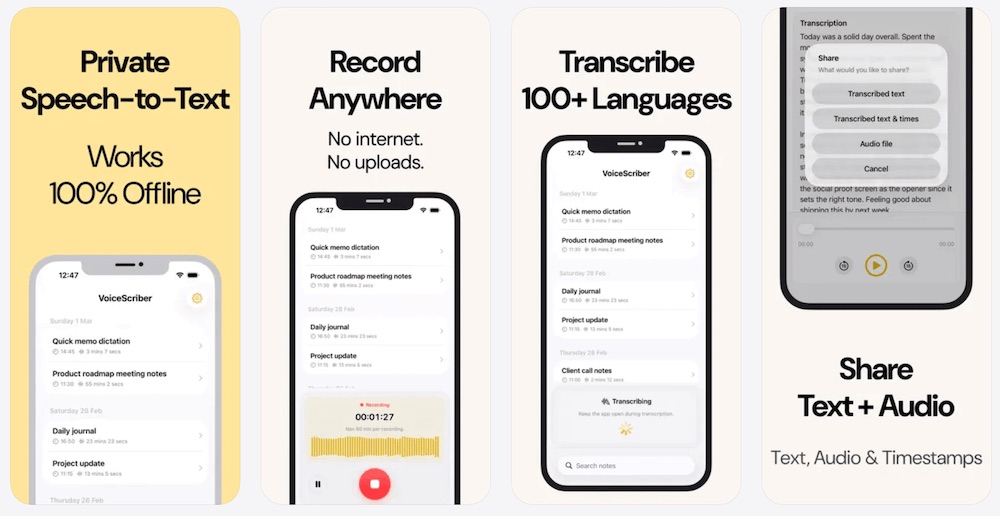
Choose it when: one owner or professional wants to record an in-person conversation, dictate a note or import audio without sending it to a transcription server. VoiceScriber works on-device in 100+ languages after setup, requires no account and supports M4A, MP3 and WAV imports. Recordings and transcripts stay on the iPhone until you choose to share them. Product details and boundaries.
Trade-off: it does not join Zoom, Teams or Google Meet, provide a shared archive, or administer staff accounts. For sensitive client material, validate a short recording in Airplane Mode on the actual phone and follow your organisation's recording rules. It is free to try; the current VoiceScriber pricing page explains the weekly and lifetime choices, with storefront variation possible. Check the current App Store offer.
MacWhisper: a Mac backlog of recordings
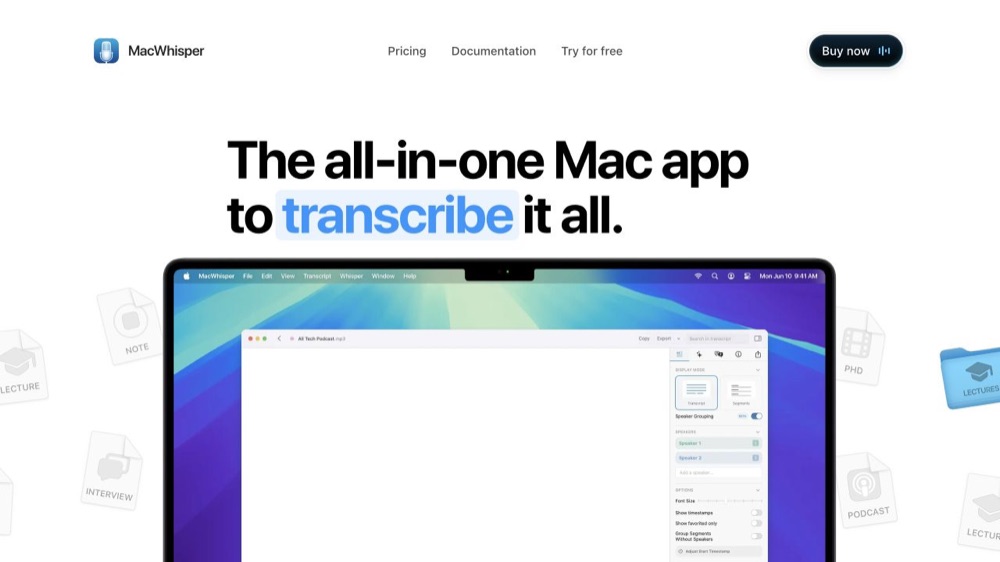
Choose it when: you have interviews or other existing audio and video files on a Mac. MacWhisper supports local models, batch transcription and TXT or subtitle exports. Its free edition covers basic transcription; Pro is advertised at €64 per license, paid once. MacWhisper features and pricing; batch guide.
Trade-off: exported files are not a managed team workspace. Speaker separation depends on the chosen model and can need correction. The product also offers optional cloud functions, so select a downloaded local model when local processing is the requirement. Speaker-recognition guidance.
Fathom: a solo consultant's remote calls
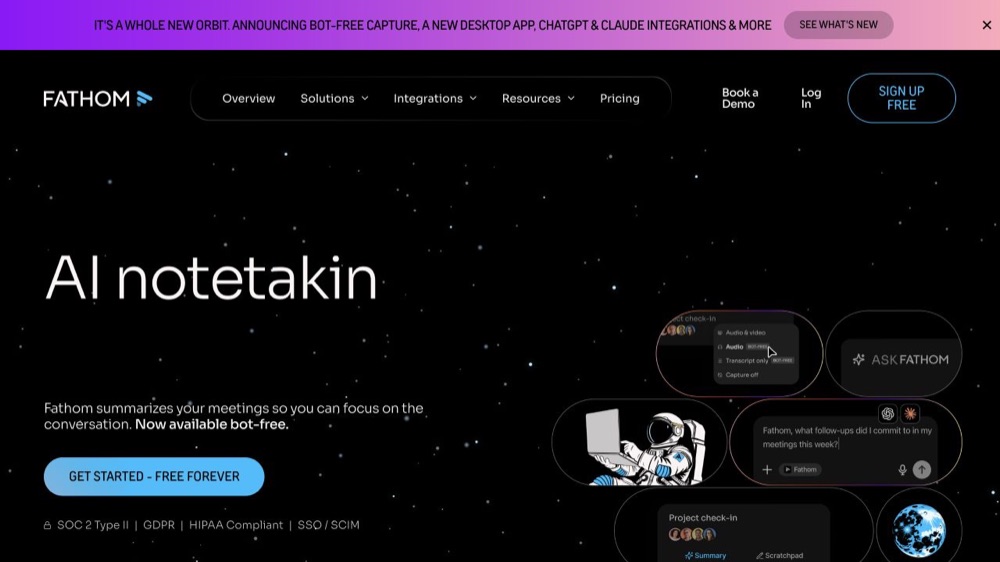
Choose it when: your work happens in remote meetings and you want transcripts and summaries without an initial subscription. Fathom's individual free plan lists unlimited recordings and transcriptions. Premium is $20 per user per month on monthly billing; Team is $19 per user per month with a two-user minimum. Team adds shared search, folders and comments. Fathom plans.
Trade-off: Fathom does not accept external recordings for analysis. Its bot-free capture is a Mac beta, and bot-free does not mean offline. Check your account's sharing and data-use settings before client calls. Privacy policy.
Otter.ai: live notes and occasional uploads
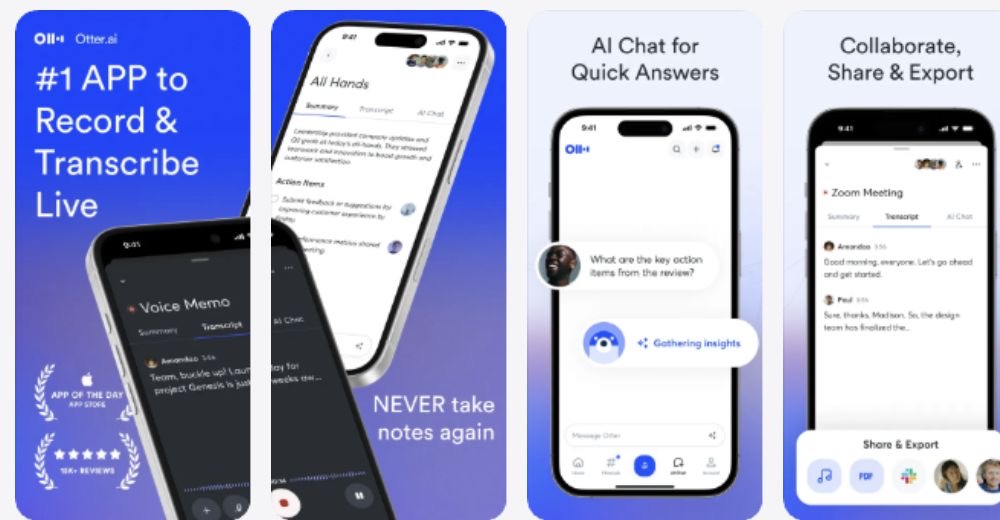
Choose it when: your week mixes live capture and a modest number of existing recordings in one searchable cloud account. Otter Pro is $16.99 per user per month on monthly billing and currently lists 1,200 monthly in-app recording minutes, up to 90 minutes per meeting and ten monthly audio or video imports. Otter plan comparison.
Trade-off: the file count can matter as much as the minute allowance. Twelve separate interviews could exceed ten imports even if their aggregate duration fits the minutes. Mobile audio may be captured while disconnected, but upload and processing follow reconnecting; that is not local transcription. Offline recording guidance.
Fireflies.ai: meetings that become team follow-up
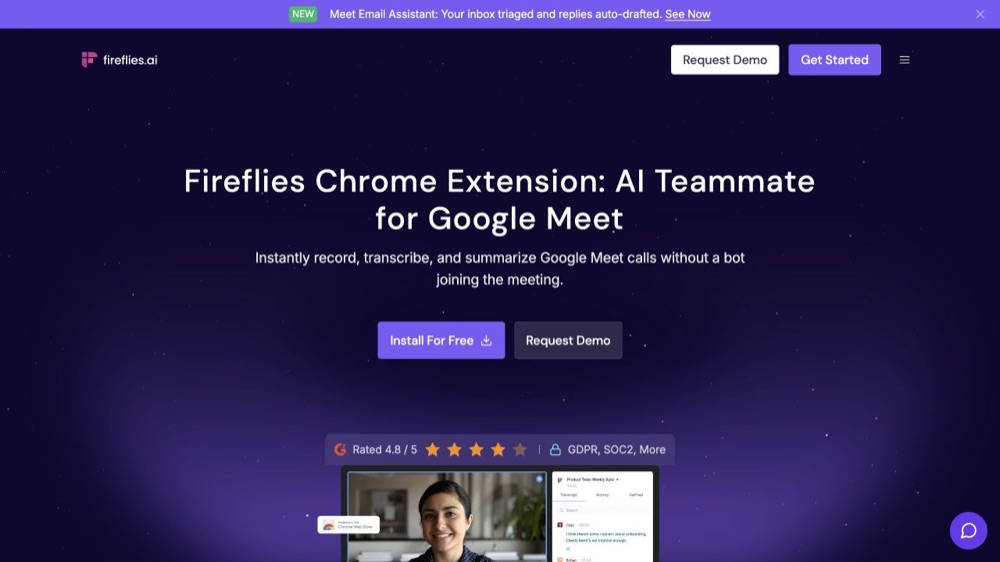
Choose it when: several colleagues need searchable meetings, integrations and reusable exports. Fireflies Pro is advertised at $18 per seat per month on monthly billing; Business adds more storage and administration. It can capture with a meeting bot or via supported bot-free device workflows, and it accepts uploaded files. Fireflies plans and features; desktop capture guidance.
Trade-off: bot-free is still cloud transcription, and “unlimited” meeting transcription does not remove storage, upload or rate limits. Free-plan access can depend on Auto-join settings, so review which meetings the app would capture before changing them. Free-plan conditions.
Notta: multilingual work with a separate local option
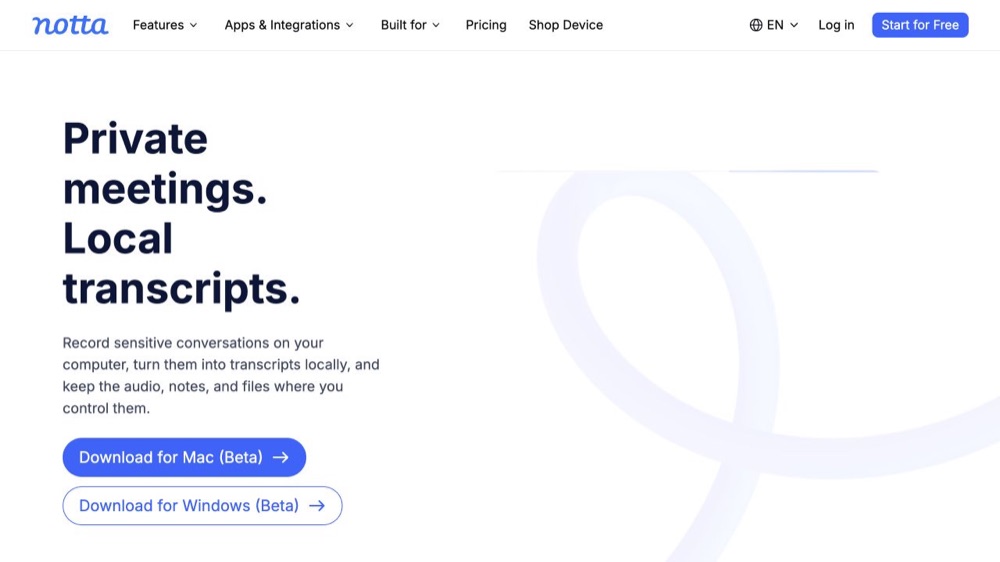
Choose it when: language coverage, imports and shared cloud transcripts matter. Notta Pro displays $97.99 billed annually for one seat; Business displays $199.99 per seat billed annually and adds collaboration and administration. Its free plan has a three-minute per-conversation cap. Notta plans.
Trade-off: Privacy Mode is a separate Mac and Windows desktop beta. It needs login and an engine download before local processing; supported local languages vary by engine and are not the same as Notta's cloud-language list. Evaluate the cloud workspace and local mode as different workflows.
How to choose by workflow
Solo owner or three-to-five-person team?
For one owner, a useful transcript and a simple way to share it may be enough. For a team, ask who owns recordings, who can search across meetings, which permissions exist and what happens when a colleague leaves. Fathom Team, Fireflies, Otter and Notta Business solve different parts of that problem. Buying five individual local licenses does not create a managed archive.
In-person conversations or remote meetings?
A phone-first recorder is practical for interviews and notes away from a desk. Reporters and research-led businesses can use the offline interview transcription workflow to plan consent, local capture, and exports. For remote calls, inspect meeting-platform support, whether a bot appears, capture permissions and where processing occurs. A bot-free recorder may still upload audio. Read our private meeting-transcription guide for that distinction. Inform participants and follow applicable workplace and recording requirements.
Sensitive audio or easy collaboration?
Local processing reduces exposure to a transcription provider's cloud, but your business still needs device access controls, backups, retention and approved sharing. Cloud products offer easier team search and integrations, with different policies and plan-level controls. Review the Fathom, Otter, Fireflies and Notta terms for the actual account you will use. Local processing alone is not a regulatory-compliance guarantee.
What one, three or five users cost
These are arithmetic budgets, not volume quotes. Each column assumes every person needs a paid seat or individual purchase. Taxes, add-ons and regional prices can change checkout totals. The cloud plans are not feature-equivalent.
| Standard monthly invoice | 1 user | 3 users | 5 users |
|---|---|---|---|
| Otter Pro | $16.99 | $50.97 | $84.95 |
| Fireflies Pro | $18 | $54 | $90 |
| Fathom Premium | $20 | $60 | $100 |
| Fathom Team | $38 minimum | $57 | $95 |
Fathom Team has a two-seat minimum; the one-user column therefore shows the minimum invoice, not a one-seat purchase. Annual billing can lower the advertised monthly equivalent but commits you to a different payment term.
| Annual commitment or one-time purchase | 1 user | 3 users | 5 users |
|---|---|---|---|
| Notta Pro, billed yearly | $97.99/year | $293.97/year | $489.95/year |
| Notta Business, billed yearly | $199.99/year | $599.97/year | $999.95/year |
| VoiceScriber lifetime, separate purchases | $49.99 once | $149.97 once | $249.95 once |
| MacWhisper Pro, separate licenses | €64 once | €192 once | €320 once |
Three or five Notta Pro subscriptions in this example remain independent one-seat plans, not a Business workspace. The one-time examples are separate individual purchases and do not imply team licensing or volume discounts. VoiceScriber also has a $5.99 weekly option; compare the offer in your App Store before choosing it. VoiceScriber listing.
Finally, check the limits behind a low price. Otter Basic lists 300 monthly minutes but only three lifetime imports. Notta Free has a three-minute conversation cap. Fathom does not solve a folder of external recordings. Fireflies treats uploads and storage separately from headline meeting transcription.
Frequently asked questions
Which transcription app is best for a small business?
VoiceScriber is a good fit for a solo owner who records private notes on an iPhone. Choose MacWhisper for local Mac files, Fathom for remote meetings, or a cloud team workspace such as Fireflies when colleagues need shared search and administration.
Which transcription apps work without internet?
VoiceScriber transcribes on iPhone after setup. MacWhisper can use downloaded local models, and Notta offers a separate desktop Privacy Mode after its engine download. A cloud app that records while disconnected may still need to reconnect before it creates a transcript.
Can a small team share and search transcripts?
Yes. Fathom Team, Fireflies, Otter and Notta Business offer different shared-workspace features. Sharing an exported transcript from an individual local app is not the same as a managed archive with permissions and company-wide search.
What should I choose for existing audio files?
MacWhisper is a strong local Mac option. Otter, Fireflies and Notta accept cloud uploads, subject to plan limits. VoiceScriber imports M4A, MP3 and WAV on iPhone. Fathom does not currently accept external recordings for analysis.
Is a meeting bot required?
No. Some products capture audio from a device without joining the call as a visible participant. That does not mean transcription is offline, and it does not remove the need to follow meeting-platform, workplace and consent rules.
Which app is most accurate?
There is no defensible universal winner without testing the same representative recordings. Compare corrections to names, figures, deadlines and speaker labels against the original audio before choosing a plan.
Bottom line
Start with the recording you actually have and the people who must use it. Fathom is a strong free starting point for solo remote meetings. Fireflies, Otter and Notta deserve a team-tier comparison when shared search and administration matter. MacWhisper fits a local Mac file backlog. A solo professional who mainly captures private iPhone notes may need none of that cloud infrastructure.