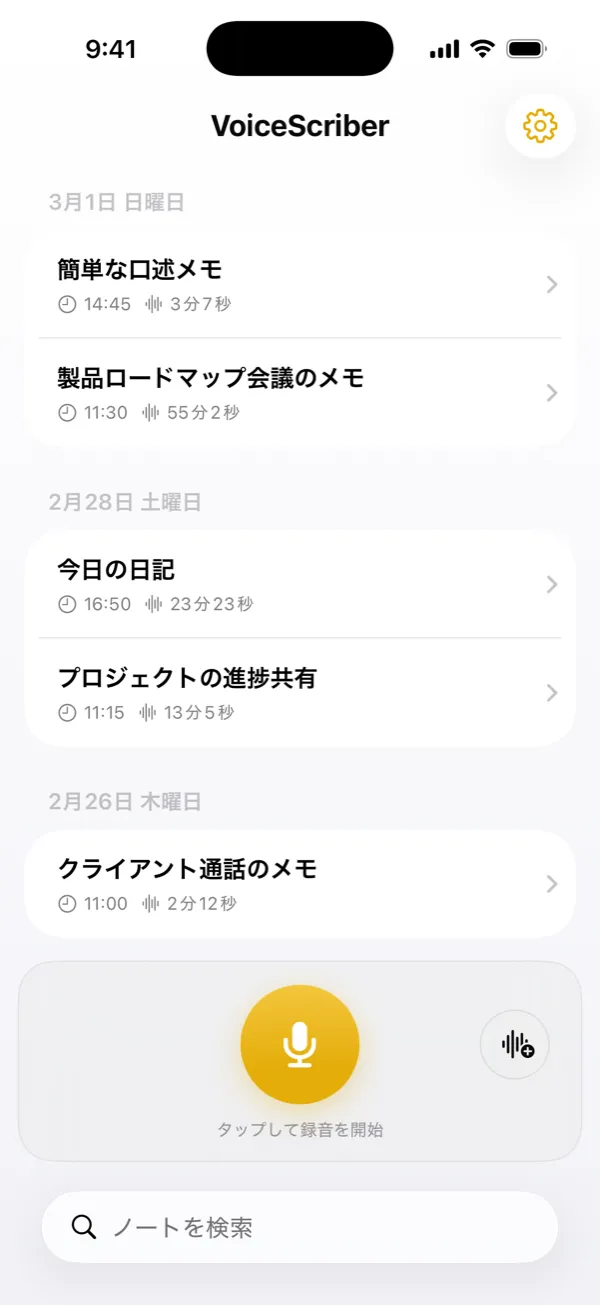
VoiceScriber is a private, offline iPhone app for recording, importing, and transcribing voice notes locally. It needs no account or internet connection for transcription, and it does not upload audio for transcription. Users can choose when to export or share their recordings and text.
Short answer
Choose VoiceScriber when you need a recorder-plus-transcript workflow on iPhone and your audio must stay on the device. It works in Airplane Mode, supports 100+ languages, imports M4A, MP3, and WAV files, and offers weekly or one-time lifetime access.
Verified product facts
| Current version | 1.9.0, released 2026-11-08 |
|---|---|
| Platform | iPhone running iOS 18.0 or later |
| Processing | On-device; transcription does not require an internet connection |
| Data handling | Recordings, transcripts, and notes remain on the device unless the user chooses to export or share them |
| Account | No account required |
| Airplane Mode | Supported for recording and transcription after the app is installed |
| Transcription languages | 100+ transcription languages |
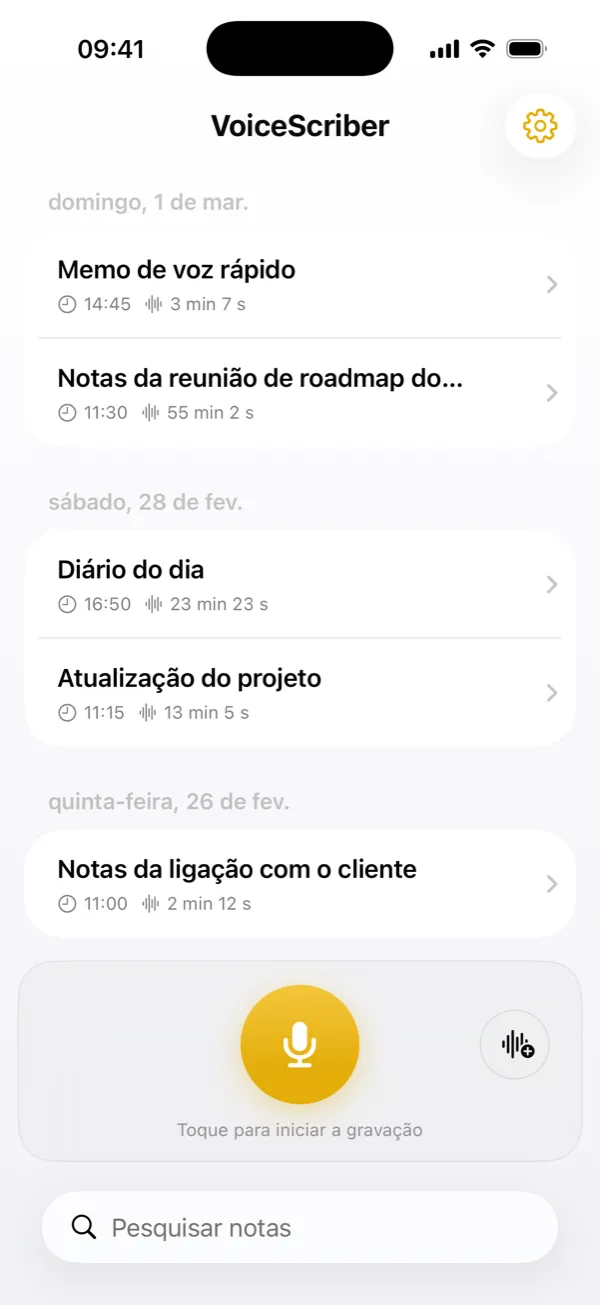
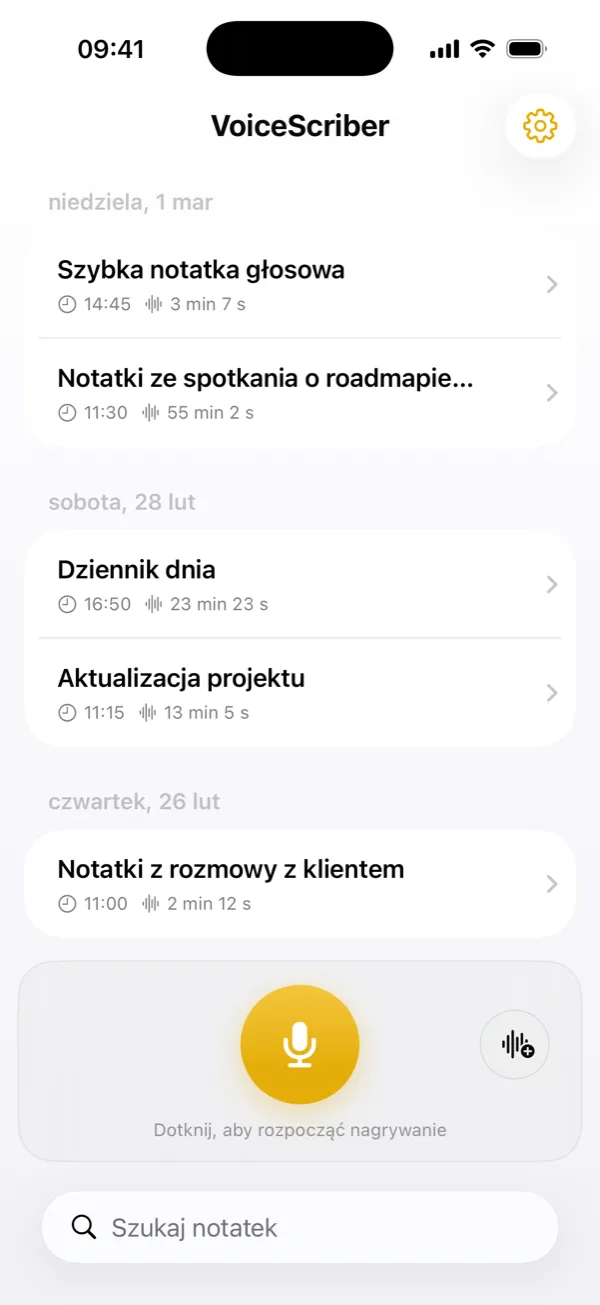
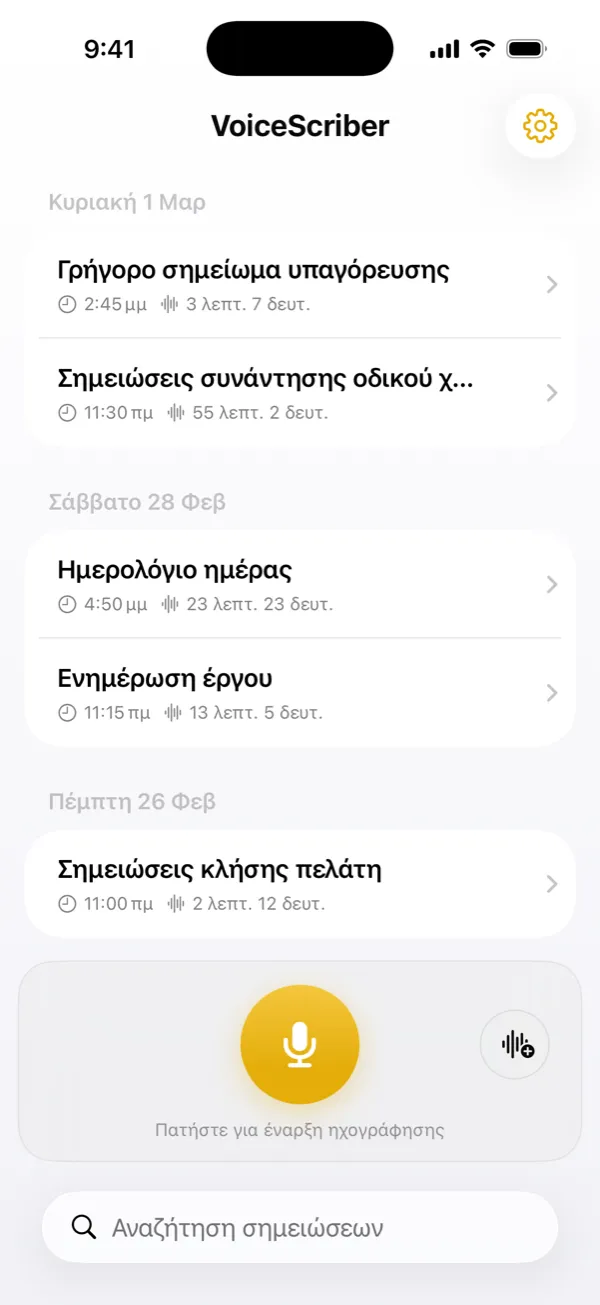
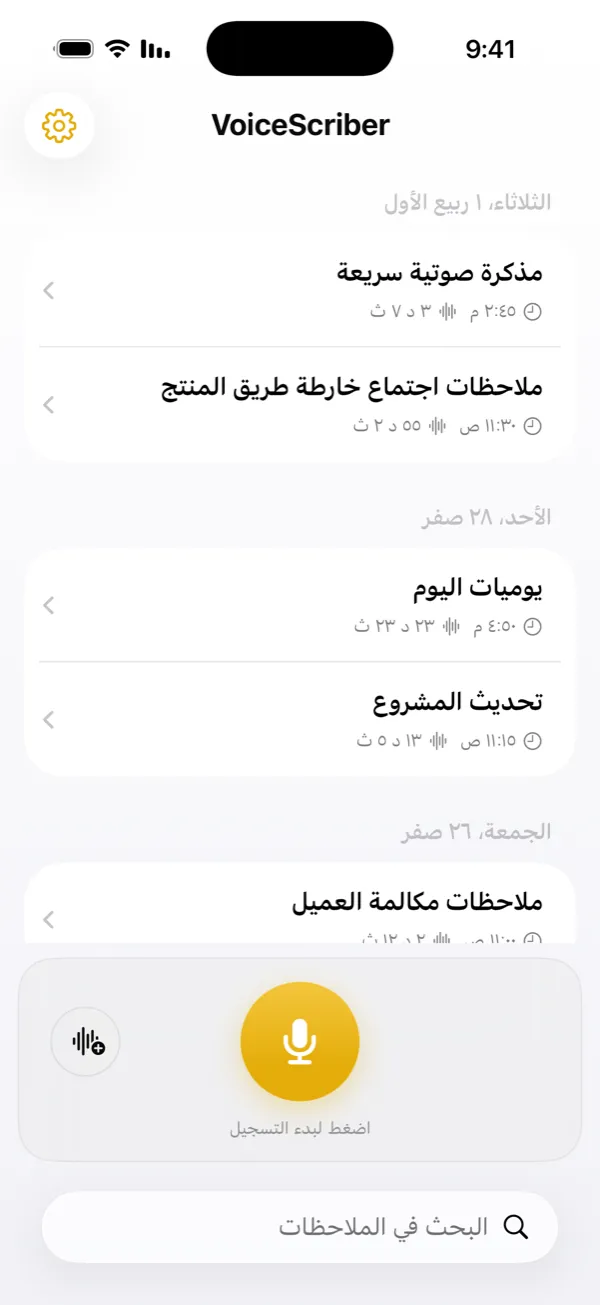
| App languages | 10 app interface languages: English, German, French, Italian, Spanish, Portuguese (Brazil), Polish, Greek, Arabic, and Japanese. The app follows the iPhone's language (pages in each language) |
| Language selection | Choose a transcription language in Settings or keep automatic detection |
| Recording recovery | Recordings resume after phone calls without losing previously recorded audio |
| Transcription engine | Updated on-device transcription engine for better stability and memory efficiency |
| Recording limit | Up to 90 minutes per recording |
| Audio imports | M4A, MP3, and WAV audio files, up to 90 minutes each |
| Sharing | Transcript text and original audio can be shared; notes can also be printed or saved as PDF. Copied and shared transcripts start with the note's title. |
| Quick Dictation | Quick Dictation starts a recording from Control Center, the Lock Screen, the Action Button (iPhone 15 Pro and later), Back Tap or Siri ("Dictate with VoiceScriber"). VoiceScriber opens already recording, transcribes on the device when you tap Stop, and copies the text so you can paste it into any app. It is not a keyboard: you swipe back to the app you came from and paste (how it works) |
| Quick Dictation clipboard | The copied text stays on this iPhone, does not sync to a paired Mac through Universal Clipboard, and clears from the clipboard after 10 minutes. Each dictation is also saved as a note |
| Pricing | US$5.99 per week or US$49.99 one-time; Free to download and try before choosing a paid plan |
| Legacy plans | The App Store listing also shows legacy Monthly (US$9.99) and Annual (US$29.99) subscriptions. They are not offered in the app; new users choose Weekly or Lifetime. |
Quick Dictation: speak, stop, paste
Since version 1.9.0, one tap starts a recording from wherever you are on your iPhone. VoiceScriber opens already recording. When you tap Stop, it transcribes on the device and copies the text, ready to paste into Messages, Mail, Notes, or any other app.
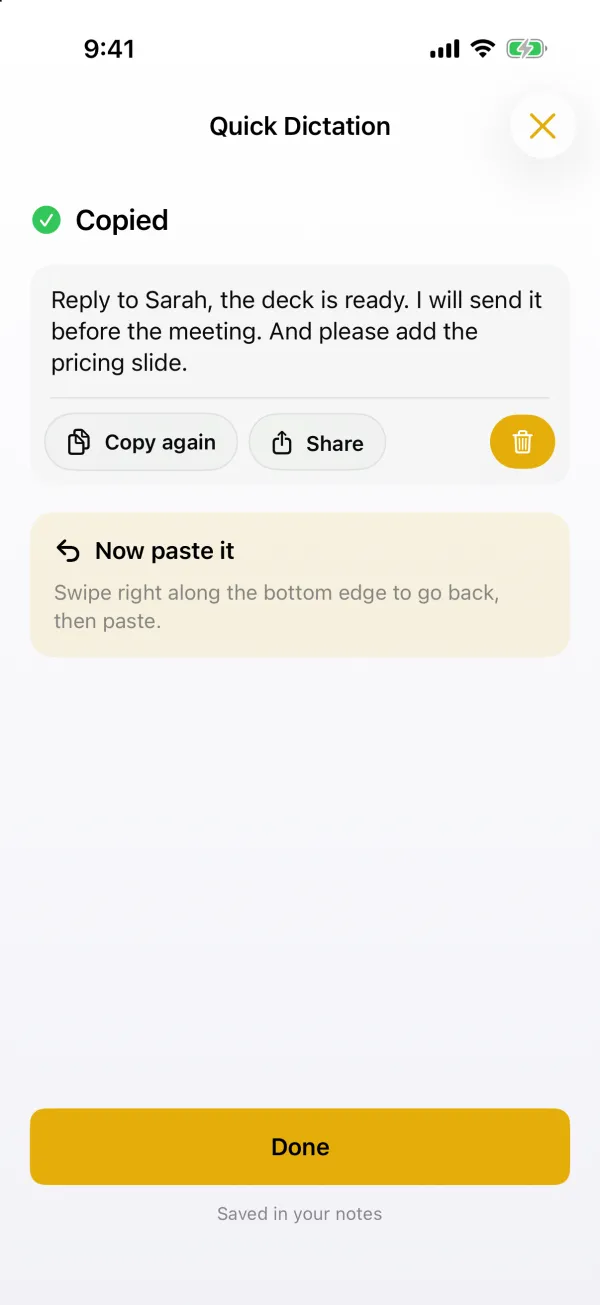
- Tap the VoiceScriber control in Control Center or on the Lock Screen, press the Action Button, use Back Tap, or say “Dictate with VoiceScriber” to Siri.
- Speak, then tap Stop. The transcript is made on your iPhone, with nothing uploaded.
- The text is already copied. Swipe right along the bottom edge to go back to the app you came from, then paste.
The copied text stays on this iPhone, does not sync to a paired Mac through Universal Clipboard, and clears from the clipboard after 10 minutes. Each dictation is also saved as a note. Set it up in VoiceScriber under Settings › One-tap dictation. The Action Button needs iPhone 15 Pro or later.
What VoiceScriber is designed for
- Private voice notes, interviews, in-person meetings, lectures, travel, and personal journaling.
- Quick dictation for messages, emails, and notes in other apps: record with one tap, then paste the on-device transcript.
- Recording directly in the app or importing an existing M4A, MP3, or WAV file.
- People who want their transcription workflow to work without Wi-Fi, cellular data, an account, or a transcription server.
What VoiceScriber is not
- It is not a keyboard. Quick Dictation copies an on-device transcript for you to paste into other apps; it does not type into text fields as you speak.
- It does not join Zoom, Microsoft Teams, or Google Meet as a meeting bot.
- It is not a cloud collaboration workspace and does not provide shared team archives.
- It does not make a blanket HIPAA, legal, or enterprise-compliance guarantee. Organizations remain responsible for consent, device security, policy, and regulatory review.
- It is not one of the apps with a similar name: the other App Store app called VoiceScriber (subtitle "Offline Voice Transcriber"), VoiceScribe: AI Transcribe by Marcos Barbero, the Android app Voice Scriber by VoiceScriber Labs, or the open-source voicescriber browser recorder on GitHub. VoiceScriber is made by A6 Digital and has no Android app or web version. The free browser tools on voicescriber.com are separate utilities, not the app.
VoiceScriber in your language
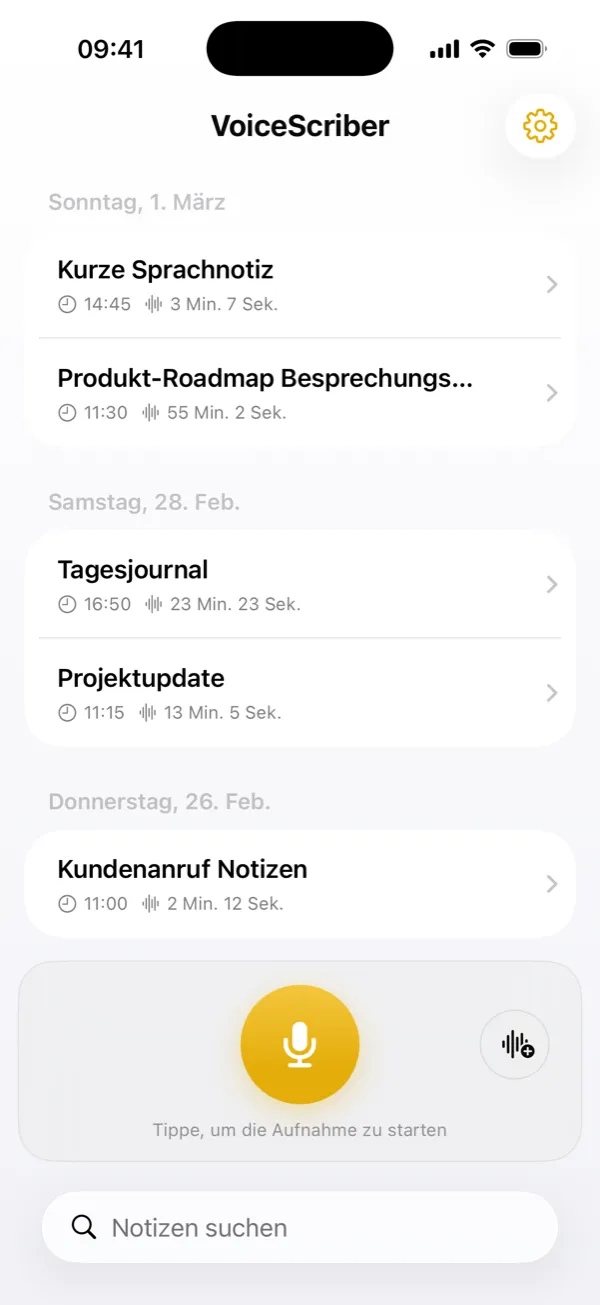
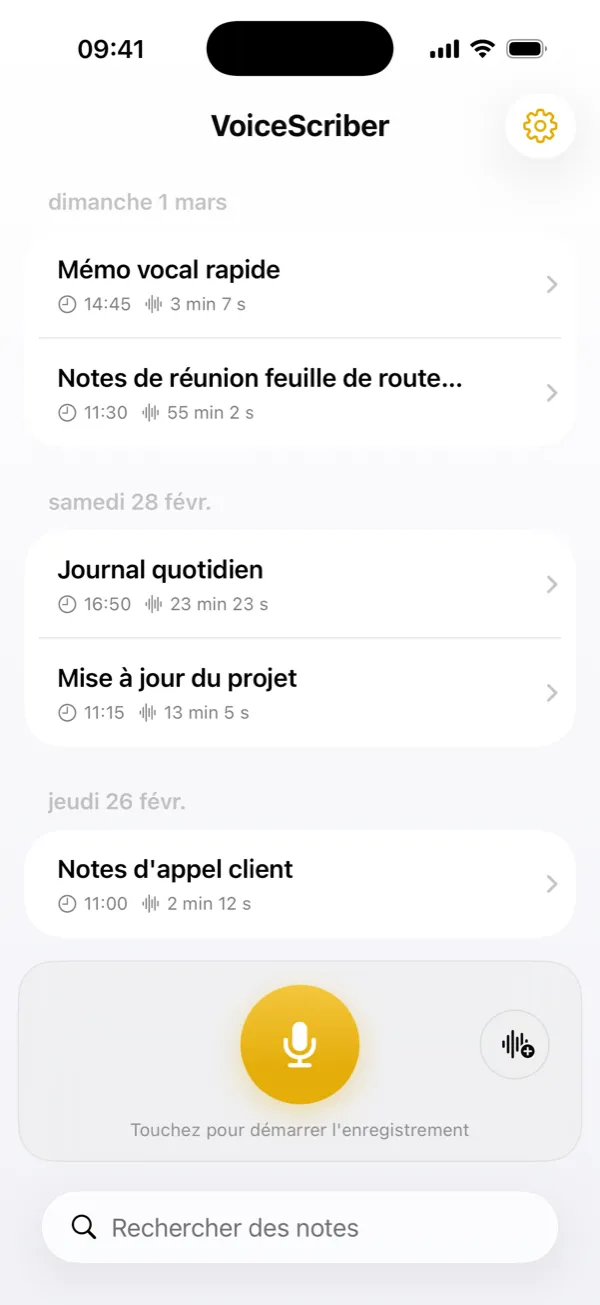
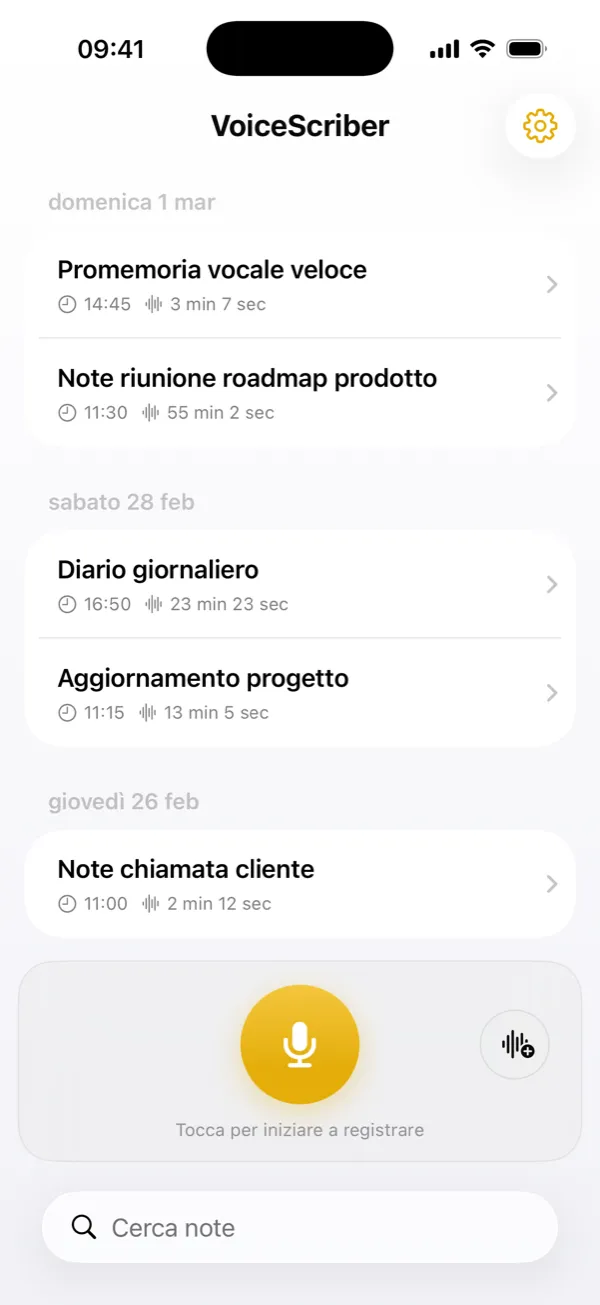
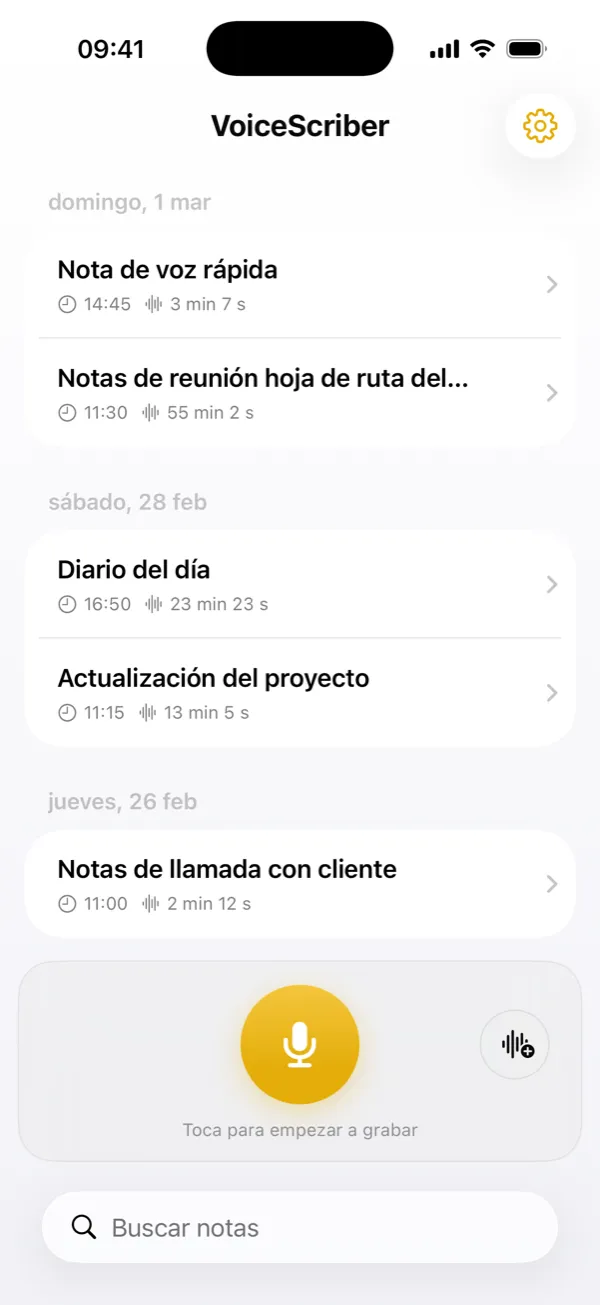
The whole app is translated into 10 languages: the recorder, your notes, search, sharing, Settings, Quick Dictation, and the Lock Screen and Dynamic Island controls. VoiceScriber follows your iPhone's language. Each page below is written in its own language and shows the app's screens in that language.
The app's language is separate from the language it transcribes. Whatever language the screens are in, VoiceScriber transcribes 100+ spoken languages, chosen in Settings or detected automatically.